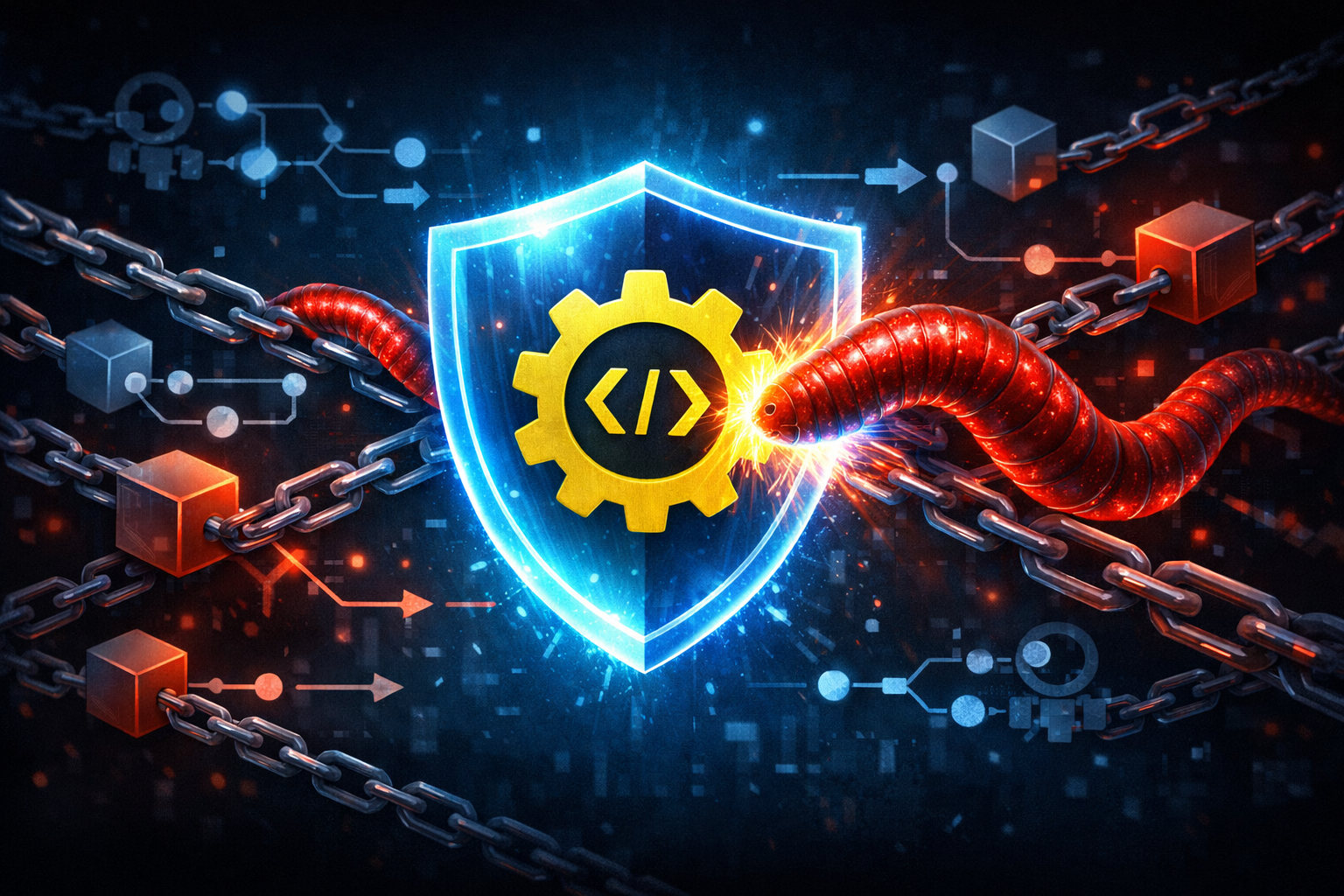
Hardening npm and GitHub Actions with CISA's Supply Chain Security Checklist
Why CISA's supply-chain guidance matters for JavaScript teams now
Recent reporting on package compromise, phishing, and CI/CD abuse keeps circling the same weak point: JavaScript teams tend to trust too many moving parts by default. That trust stays hidden until a maintainer account is hijacked, a package script fires during install, or a workflow gets edited to leak secrets.
CISA’s supply-chain guidance is useful because it is not really about one product or one framework. It is about narrowing trust, making dependencies visible, and refusing to let a build system turn into an unreviewed execution surface. That lines up neatly with npm and GitHub Actions, which are both powerful and easy to overtrust.
What I like about this checklist for JavaScript teams is simple: npm and GitHub Actions are where untrusted code enters the repo and where trusted secrets leave it. If those two phases are not separated, you end up with one oversized pipeline where install-time behavior, test-time behavior, and release-time behavior all share the same privileges.
The news signal: package compromise, phishing, and CI/CD abuse are converging
The pattern in current supply-chain incidents is pretty consistent:
- attackers go after maintainer identities first
- then they abuse package metadata, install scripts, or release channels
- then they hunt for CI secrets, publish tokens, cloud credentials, or reusable workflow trust
- finally, they move from one compromised dependency to many downstream consumers
Phishing matters because the first compromise is often human. Package compromise matters because it turns a normal npm install into code execution. CI/CD abuse matters because the build system usually has more access than the application itself.
If you only defend one layer, the other layers still carry the blast radius.
What this walkthrough focuses on: npm dependencies and GitHub Actions
This walkthrough narrows the checklist to two places JavaScript teams live in every day:
- npm package intake
- GitHub Actions workflow execution
That is deliberate. These are the parts where the attack surface is both common and easy to harden without changing your product architecture.
I am not trying to turn this into a generic “supply chain hygiene” post. The useful questions here are concrete:
- What exactly do we trust when we run
npm install? - What exactly do we trust when a GitHub Action runs with a token?
- What should be blocked before code, scripts, or secrets cross the boundary?
Translate the checklist into two trust boundaries
Dependency trust boundary: packages, maintainers, tarballs, and lockfiles
For npm, the trust boundary is not just “the package name.”
You are trusting all of these pieces at once:
- the maintainer identity behind the package
- the registry metadata
- the tarball contents
- the dependency graph in your lockfile
- any install-time scripts
- any transitive package that can run during install or test
That matters because the package you import in code is not the only thing that executes. A compromised transitive dependency can run before your tests even start.
I usually think of this boundary as: “what can run before I have a chance to inspect it?” If the answer includes package scripts, postinstall hooks, or dependency resolution changes, the boundary is too loose.
CI trust boundary: workflow YAML, runners, secrets, and tokens
For GitHub Actions, the trust boundary is the workflow file plus the environment it controls.
You are trusting:
- the workflow YAML in the repository
- third-party actions referenced by name or SHA
- reusable workflows called from other repos
- runner permissions and network access
- secrets injected into jobs
- the default
GITHUB_TOKEN - event context, especially from forks and untrusted PRs
A workflow is not just automation. It is code that can read secrets, write releases, trigger deployments, and call external services. Once a workflow has those privileges, every edit to it deserves the same review you would give to a privileged backend change.
Harden npm package intake before code ever runs
Prefer exact versions, lockfiles, and reproducible installs
The first rule is boring, but it works: install exactly what you reviewed.
Use a lockfile and prefer deterministic installs:
- commit
package-lock.json,npm-shrinkwrap.json, or the equivalent lockfile - use
npm ciin CI instead ofnpm install - avoid version ranges for production dependencies unless there is a very specific reason
- pin tools in CI rather than letting the latest minor release drift in
A reproducible install does two things. First, it makes dependency review possible. Second, it makes compromise visible. If the lockfile changes unexpectedly, that is a signal worth investigating.
A practical baseline looks like this:
npm ci
npm audit --audit-level=high
That does not remove supply-chain risk by itself, but it cuts down on surprise. Surprise is what attackers want.
Inspect package metadata for ownership, release behavior, and install-time scripts
When I review a package, I look past the version number. The metadata often tells you more than the README does.
Useful checks include:
- who publishes the package and whether that account is stable
- when the package changed ownership or publishing behavior
- whether the package has install scripts
- whether the package recently added new maintainers
- whether the release cadence changed abruptly
postinstall, preinstall, and prepare are the big ones. They are not automatically malicious, but they are executable code that runs at exactly the point when many teams are least careful.
A quick local inspection pattern:
npm view some-package scripts
npm view some-package maintainers
npm view some-package time --json
npm view some-package dist.integrity
That will not tell you whether a package is safe. It will tell you whether it behaves like a normal library or like something trying to do hidden work during installation.
Reduce install-time risk with ignore-scripts, scoped reviews, and allowlists
If your project does not need install scripts, disable them in CI.
npm ci --ignore-scripts
That is the cleanest default for a lot of builds. It blocks a whole class of install-time abuse without forcing you to inspect every transitive package by hand.
There are tradeoffs. Some legitimate packages use install scripts to build native modules or fetch binaries. In those cases, do not just turn scripts back on globally and hope for the best. Use a narrower approach:
- keep
ignore-scriptson for the main install - explicitly allow only the packages you have reviewed
- separate build steps that require scripts from the dependency-fetch step
- document why a package needs script execution
A simple policy table helps teams avoid ad hoc exceptions:
| Situation | Safer default | Why |
|---|---|---|
| Pure JS app dependencies | npm ci --ignore-scripts | Blocks most install-time execution |
| Native module build | isolate build step | reduces the number of packages that can execute |
| New dependency with scripts | manual review before enabling | script hooks are code, not metadata |
| Unknown transitive package | do not whitelist automatically | transitive trust is still trust |
The point is to make script execution a conscious decision, not a side effect of dependency resolution.
Verify provenance where available and understand what it does and does not prove
Provenance is helpful, but it is easy to misread.
If a package or artifact includes provenance metadata, that can help you confirm where it came from and how it was built. In the npm and GitHub ecosystem, that is increasingly useful for tracing a release back to a source repo and a controlled build process.
But provenance is not a certificate of safety.
It can help answer questions like:
- was this package published from an expected CI system?
- does the build link back to a known repository?
- was the artifact generated by the release process we expected?
It does not answer:
- is the code free of backdoors?
- is the maintainer account uncompromised?
- is the package semantically safe for my application?
- did a malicious change already get merged into the source?
Use provenance as one signal in a broader review process. It strengthens trust. It does not replace trust review.
Reduce blast radius inside the repository
Split application code from build and release responsibilities
A lot of CI risk comes from collapsing too many responsibilities into the same job.
If the install job can read secrets, build artifacts, publish packages, and deploy infrastructure, then a compromised dependency has access to everything.
A better shape is to split responsibilities:
- one job installs and tests dependencies
- another job packages artifacts
- another job publishes or deploys
- only the final job gets write access and secrets
That makes secret access conditional instead of ambient. If the test job is compromised, it should not be able to release anything.
Keep secrets out of dependency-install and test jobs
This is one of the simplest hardening moves and one of the most missed.
Dependency-install jobs should usually not need:
- package publish tokens
- cloud provider credentials
- deployment credentials
- production database secrets
- webhook signing keys
Test jobs should usually not need them either.
If a test needs a secret to hit a staging service, make sure it is a staging secret with limited scope and limited lifetime. Avoid broad tokens that can be reused outside the test job.
The rule I use is: if a job can be triggered by untrusted code, it should not receive secrets that matter outside that job.
Use minimal permissions on the default GITHUB_TOKEN
GitHub Actions gives each workflow a token. That token often has more access than the workflow actually needs unless you constrain it.
Set permissions explicitly. Start from read-only and add only what each job requires.
Example:
name: ci

on:
  pull_request:
  push:
    branches:
      - main

permissions:
  contents: read

jobs:
  test:
    runs-on: ubuntu-latest
    permissions:
      contents: read
    steps:
      - uses: actions/checkout@<commit-sha>
      - uses: actions/setup-node@<commit-sha>
      - run: npm ci --ignore-scripts
      - run: npm test
If a job does not need write access, do not give it write access. That sounds obvious, but a lot of repos still rely on defaults and inherit more privilege than they meant to.
Harden GitHub Actions workflows against abuse
Pin third-party actions by commit SHA, not floating tags
This is one of the most important supply-chain controls, and JavaScript teams should treat it as standard.
Avoid floating references like:
- uses: actions/checkout@v4
That is convenient, but it trusts the moving tag. If the tag moves or the release line is compromised, your workflow changes without a repo diff.
Prefer a full commit SHA:
- uses: actions/checkout@<full-commit-sha>
That makes the dependency explicit and reviewable. Yes, it is more annoying to update. That annoyance is part of the defense.
The same rule applies to:
- third-party lint actions
- test reporters
- release automation actions
- caching helpers
- deployment actions
A pinned action is still code you trust, but at least it is code you can inspect, diff, and update on purpose.
Treat reusable workflows as supply-chain dependencies too
Reusable workflows are often treated like internal infrastructure. They should be treated like versioned dependencies.
If repository A calls workflow B from repository C, then C becomes part of your trust chain. That means:
- pin the reusable workflow reference
- review changes to the reusable workflow with the same care as app code
- restrict who can edit the reusable workflow repository
- keep the reusable workflow small and auditable
A reusable workflow is attractive because it centralizes logic. That also means it centralizes compromise if it is edited carelessly.
Lock down triggers, branches, and pull-request contexts
Triggers are part of the security model.
Prefer patterns like:
pushto protected branches for releasespull_requestfor untrusted contributions- manual approval or environment gates for deployment
- branch protection on release branches
- required status checks before merge
Be especially careful with pull_request_target. It runs in the context of the base repository, which means it can access secrets and write tokens if you are not careful. That event exists for useful reasons, but it is easy to misuse.
My default rule is simple: never run untrusted code with privileged context.
That means:
- do not check out and execute forked PR code in a privileged job
- do not use secrets in jobs that can be influenced by external contributors
- separate comment automation from build and deploy automation
- review any workflow that uses
pull_request_targetas if it were privileged backend code
Prevent secret exposure on forked PRs and untrusted events
Forked pull requests are where many teams accidentally leak secrets.
If your workflow runs on forked PRs, make sure:
- secrets are not injected into the job
- write tokens are not available
- caches do not store sensitive material
- artifacts do not contain credentials
- logs do not print environment variables or token-bearing commands
If you need to test code from forks, keep the job strictly read-only and avoid any action that can reach into external systems.
A useful pattern is to separate validation from privileged tasks:
- PR job: lint, unit tests, static analysis
- merge job: build, package, publish
- release job: deploy, sign, notify
That way, the untrusted path never sees production secrets.
Build safer workflow patterns for npm projects
A secure install job: checkout, setup-node, cache, install, audit
A clean install job is the easiest place to start.
name: ci

on:
  pull_request:
  push:
    branches: [main]

permissions:
  contents: read

jobs:
  install-and-test:
    runs-on: ubuntu-latest
    permissions:
      contents: read
    steps:
      - uses: actions/checkout@<commit-sha>
      - uses: actions/setup-node@<commit-sha>
        with:
          node-version: "20"
          cache: "npm"
      - run: npm ci --ignore-scripts
      - run: npm audit --audit-level=high
      - run: npm test
A few notes on why this shape works:
- checkout happens first so the lockfile is in scope
setup-nodepins the runtime- cache reduces install time but should not change trust
npm ci --ignore-scriptsblocks install hooks- audit runs after install so it sees the actual dependency tree
If you need native builds, keep those in a separate job or a separate step with a documented exception.
A secure test job: no write tokens, no release secrets, no deployment hooks
Test jobs should fail closed.
That means no release secrets, no registry write tokens, no cloud credentials, and no deployment access. The job should be able to validate code and nothing more.
A good test job is boring:
- checkout code
- install dependencies
- run tests
- upload non-sensitive artifacts if needed
- exit
Do not let test helpers publish coverage to a service using broad credentials unless that is truly necessary. If a test can be turned into code execution, the test environment should still be harmless.
A secure release job: protected environments and human approval
Release jobs deserve their own controls.
Use:
- protected environments
- required approvals
- separate publish credentials
- branch restrictions
- short-lived tokens where possible
A release job should not run on the same trigger as a PR test. It should run only when the code has already passed the lower-trust gates.
Example pattern:
release:
  runs-on: ubuntu-latest
  needs: install-and-test
  if: github.ref == 'refs/heads/main'
  environment: production
  permissions:
    contents: read
    packages: write
  steps:
    - uses: actions/checkout@<commit-sha>
    - run: npm ci --ignore-scripts
    - run: npm publish
If your organization supports it, add human approval before the environment is unlocked. That gives you one last checkpoint before secrets and publishing rights are used.
Add integrity checks and policy gates
Compare dependency diffs with lockfile-aware review
When the lockfile changes, review it like a security artifact.
Questions to ask:
- Which packages were added, removed, or upgraded?
- Did the dependency tree suddenly deepen?
- Did a package introduce new scripts?
- Did the package gain a new maintainer or publish source?
- Did the tarball integrity change unexpectedly?
Lockfile diffs are noisy, but they are still useful. You are looking for shifts in trust, not just version bumps.
A simple workflow is:
- review the lockfile diff in the PR
- check the top-level package change
- inspect new transitive dependencies
- look for script additions
- confirm the change matches the intended feature work
Enforce npm audit, license checks, and dependency age heuristics carefully
Automated policy gates help, but they need tuning.
Useful checks include:
npm auditfor known vulnerabilities- license policy checks for legal risk
- package age heuristics for unusually fresh or unusually abandoned packages
- dependency count limits for new features
- script presence checks for install-time execution
Be careful not to overfit the policy to false comfort. An npm audit passing does not mean a package is trustworthy. It only means known advisories did not trip your current threshold.
A balanced policy treats automated checks as a filter, not a verdict.
Detect drift in workflow files, package scripts, and publish settings
Some of the most important supply-chain changes are tiny.
Watch for drift in:
.github/workflows/*.ymlpackage.jsonscripts- package publish configuration
- release automation settings
- branch protection rules
- environment secrets and approvals
A malicious or careless change often starts with a workflow edit that looks harmless:
- add a curl command
- broaden permissions
- echo a secret into a log
- switch from a pinned SHA to a tag
- call out to an unfamiliar domain
Those are the kinds of changes a policy gate should flag even if the diff is small.
Monitor for compromise signals in the JS supply chain
Look for unexpected postinstall behavior, token use, or new maintainer activity
Monitoring works best when you know what normal looks like.
Signals worth watching:
- new
postinstallorpreinstallhooks - new dependencies that execute during install
- unexpected package publish times
- sudden maintainer changes
- failed or repeated login events on maintainer accounts
- unusual token usage from CI or package registries
If you maintain an internal package registry or proxy, you can also alert on anomalies in fetch patterns and package versions. A change in install behavior is sometimes the first visible sign of a compromise.
Watch for workflow edits that add exfiltration paths or broaden permissions
On the GitHub side, alert on:
- workflow file changes
- permission changes in workflow YAML
- addition of unpinned third-party actions
- new
curl,wget, or base64 decode steps in CI - access to new secrets
- changes to triggers like
pull_request_target - new outbound network calls in privileged jobs
The point is not to ban every network call. The point is to detect when a workflow starts doing more than build and test work.
Alert on anomalous package updates, release cadence changes, and provenance gaps
Compromise often shows up as behavior drift.
Examples:
- a package that releases every few months suddenly ships multiple updates in a day
- a stable maintainer account starts publishing from a different CI source
- provenance metadata disappears where it used to exist
- a package that never used scripts suddenly adds one
- a workflow references a new third-party action without review
These are not proof of compromise, but they are good reasons to pause and inspect.
Incident response when a dependency or workflow is suspect
Contain the workflow: revoke tokens, disable runners, and freeze publishing
If you suspect a compromised package or workflow, act like it is live until proven otherwise.
Immediate containment steps:
- revoke publish tokens and CI credentials
- disable or quarantine the affected workflow
- stop automatic publishing
- pause runners if you think they were exposed
- block outbound access if exfiltration is still possible
- preserve logs before rotating everything away
The key is to stop the bleeding before you start the full investigation.
Triage blast radius across npm caches, secret stores, and deploy targets
After containment, map what the suspect code could reach.
Check:
- which repos imported the package
- which builds used the workflow
- which caches might have retained poisoned artifacts
- which secrets were available in the job
- which deployment targets were reachable
- whether any tokens were printed or sent externally
This is where teams often underestimate exposure. A compromised build job can touch package registries, artifact storage, deployment systems, and chat notifications all in one run.
Rebuild from known-good commits and rotate credentials in the right order
Recovery should be deliberate.
A safe sequence is usually:
- identify the last known-good commit or release
- disable the suspect workflow or dependency version
- rebuild from a clean runner or clean environment
- rotate the credentials that were exposed first
- reissue long-lived tokens only after affected systems are clean
- verify published artifacts and deployment targets
- restore automation gradually
Rotate in dependency order. If the workflow exposed a registry token, rotate that before any downstream secrets that could be used through the registry path. If a deployment key was exposed, rotate that before re-enabling deploy jobs.
A practical implementation checklist for teams
What to change this week
- pin third-party GitHub Actions by commit SHA
- switch CI installs to
npm ci --ignore-scripts - set explicit
permissionsfor every workflow - remove secrets from PR validation jobs
- add branch protection to release branches
- review any workflow that uses
pull_request_target - inspect package scripts for dependencies that run during install
What to automate next
- lockfile diff review in pull requests
npm auditand policy checks in CI- alerts on workflow file changes
- dependency metadata checks for new maintainers or new scripts
- provenance verification where your tooling supports it
- release environment approvals
- secret scanning and token rotation hooks
What to review quarterly
- workflow permissions and secret scope
- third-party action pins
- package allowlists and exceptions
- dependency age and maintainer risk
- registry and publish settings
- incident response playbooks
- whether any job still needs install scripts enabled
Conclusion: make trust explicit, narrow, and auditable
CISA’s supply-chain checklist is useful because it pushes the right habit: do not trust convenience more than you trust boundaries.
For JavaScript teams, that means two things first. Treat npm package intake as an execution boundary, not a download step. Treat GitHub Actions as privileged infrastructure, not just build glue.
Once you do that, the hardening work gets simpler:
- pin what you can
- isolate what you cannot pin
- remove secrets from untrusted paths
- keep install-time execution on a short leash
- make release privileges explicit
- watch for drift in workflows and dependencies
That is not flashy, but it is what actually narrows blast radius when the supply chain gets noisy.