Auditing GPT-5.5 Offline Mode: Can It Really Run a Chatbot Without the Cloud?
What “Offline Mode” Actually Means
“Offline mode” is usually a claim about the app, not the model. In practice, there are three very different setups:
- the UI works without a connection, but the model still calls a remote API
- the app runs local orchestration, but downloads weights or assets at startup
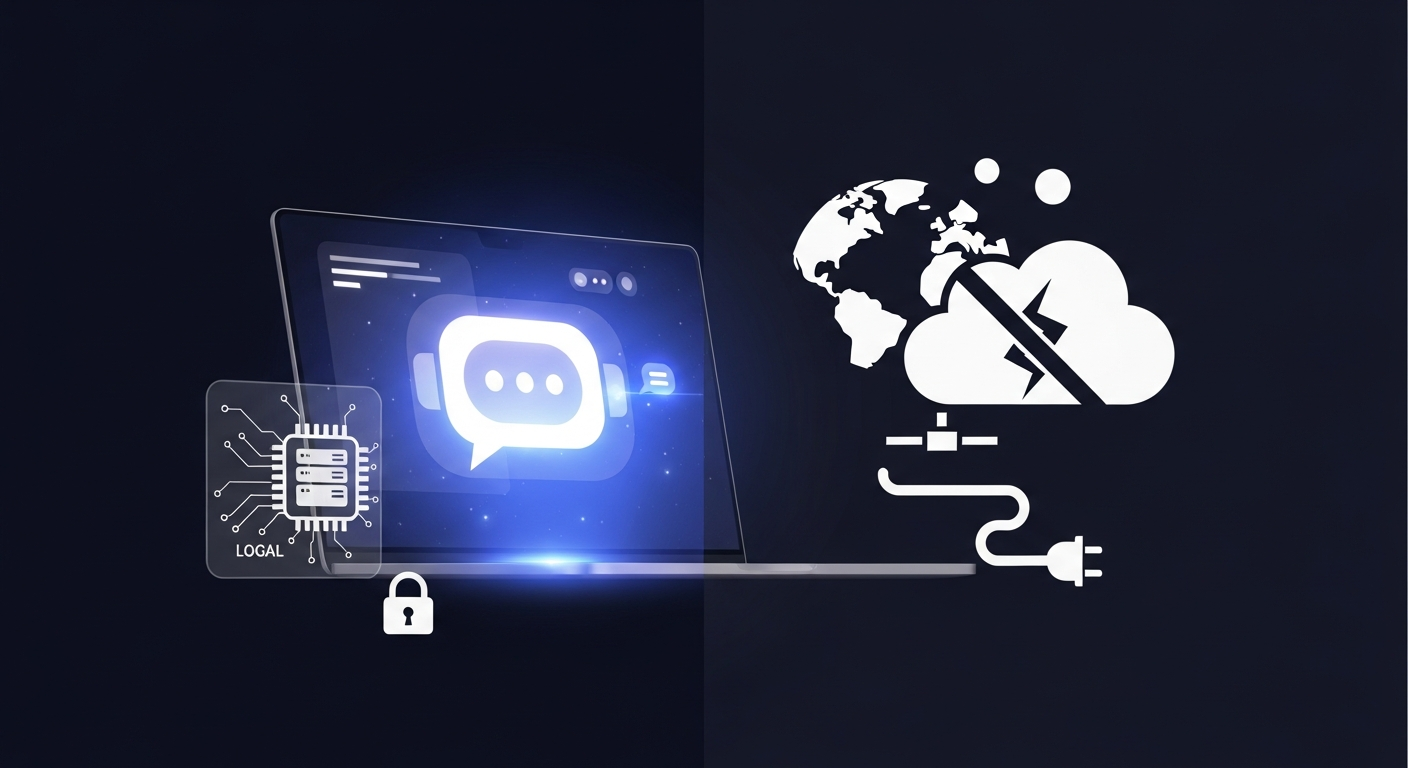
- the entire inference stack runs on-device with no network dependency
If you are auditing a chatbot, you need to prove which one you have. I have seen teams say “offline” when they really meant “the chat history is cached locally.” That is not the same thing as a cloud-free model.
The real boundary is trust, not the label on the marketing page.
The Deployment Boundary You Need to Test
Local inference vs. local orchestration
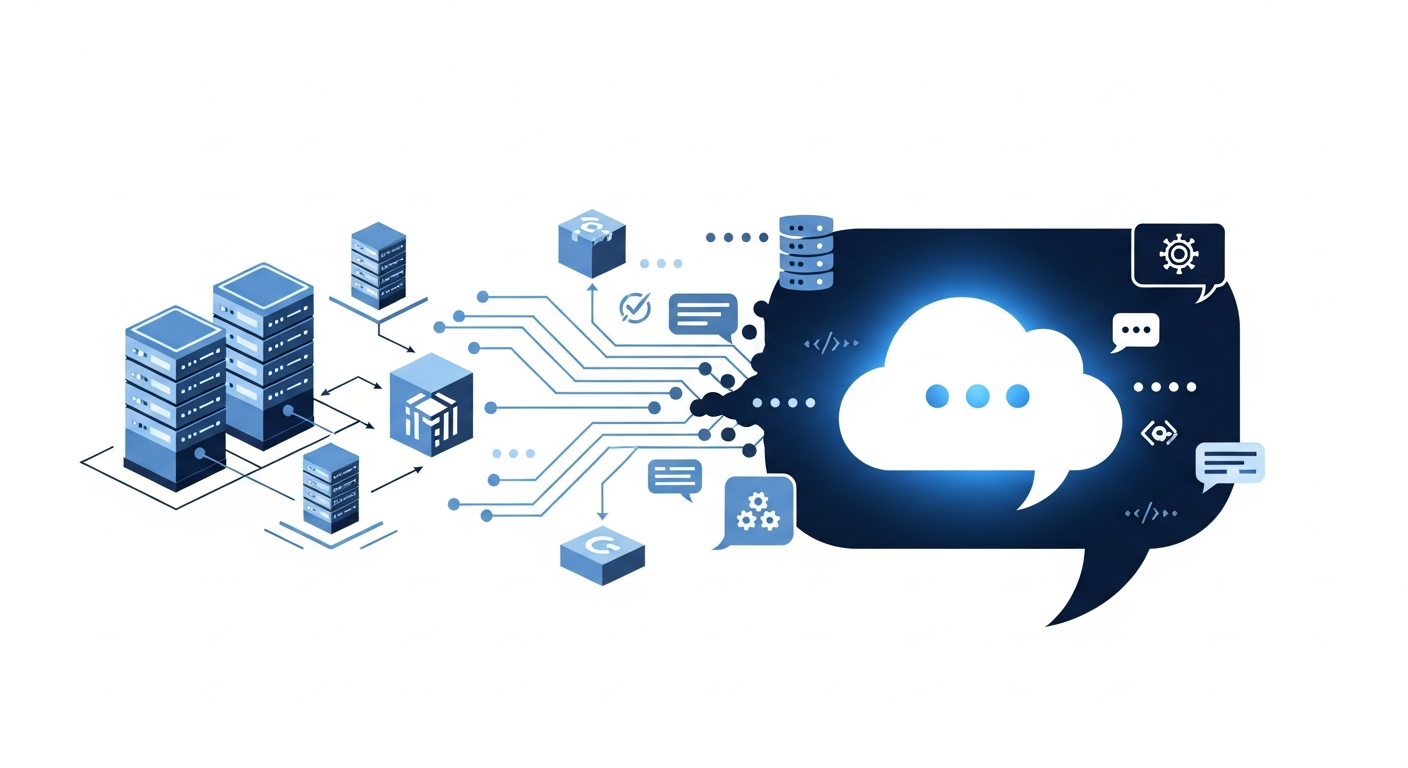
Local inference means the model weights, runtime, and token generation happen on the device or on an internal host you control. Local orchestration means the app can route prompts, choose tools, manage memory, and render the UI without a browser round trip.
Those can be split. A product may run a local LLM but still send:
- crash reports
- prompt summaries
- embeddings for search
- feature flags
- license checks
- analytics events
If any of those leave the box, the system is not fully offline.
What still reaches the network
I usually inspect network traffic before I even test prompts. Open DevTools or capture traffic at the OS level and watch for startup requests. Pay attention to:
- model manifest fetches
- telemetry endpoints
- package update checks
- font or asset downloads
- auth refresh calls
- remote tool APIs
A “no cloud” claim falls apart fast if the app silently retries when a local component fails.
Do not assume that “no user data in requests” means safe offline behavior. A remote call that only sends metadata can still leak usage patterns, model choice, or session timing.
Practical Checks for a Cloud-Free Chatbot
Model loading and startup behavior
Start the app with the network blocked. Then watch what fails.
A real offline stack should either:
- start cleanly with local assets already present, or
- fail with a clear local error that points to missing files
If it hangs while waiting on a remote model registry, the offline story is weak.
const controller = new AbortController();

setTimeout(() => controller.abort(), 2000);

const result = await fetch("/api/chat", {
  method: "POST",
  body: JSON.stringify({ message: "hello" }),
  signal: controller.signal,
});

console.log(result.status);
That kind of quick probe is useful because it shows whether the app is waiting on hidden remote dependencies instead of local startup paths.
Tool calls, fallback paths, and telemetry
Tooling is where “offline” often breaks. A chatbot may answer locally but still fall back to cloud search, hosted OCR, or remote safety filters when confidence drops.
Test with awkward input:
- long prompts
- empty prompts
- unsupported file types
- expired local cache
- missing model files
Then check whether the app silently swaps to a network path. If it does, treat that fallback as part of the attack surface.
Session storage and persistence
Offline mode usually needs state: conversation history, embeddings, preferences, attachments, and maybe a local vector index. The question is where that state lives.
Check:
- browser storage
- IndexedDB
- local files
- desktop app caches
- encrypted or plain-text session stores
If prompt history lands in an unprotected cache, a local attacker can recover it later. If the app syncs that history when connectivity returns, it is no longer truly offline in the operational sense.
Performance Limits That Change the Design
Latency and memory pressure
Local inference is bounded by the machine in front of you. That changes the product design immediately.
You need to measure:
- cold start time
- first token latency
- memory growth under long sessions
- behavior under concurrent chats
A model that feels fine in a demo can become unusable on a 16 GB laptop once you add browser tabs, embeddings, and a vector database. Offline does not mean lightweight.
Context window tradeoffs
If the context window is small, the app has to trim aggressively. That creates a reliability problem and sometimes a security problem.
The chatbot may:
- drop earlier safety instructions
- lose user constraints
- forget tool results
- compress history into summaries
Those summaries can leak sensitive information if they are written to disk or sent into a fallback model. I would test exactly what gets retained, what gets summarized, and what gets discarded.
Security and Reliability Risks
Prompt leakage through logs and caches
The biggest offline mistake is assuming local storage is private by default. It is not.
Common leak points:
| Layer | Risk |
|---|---|
| App logs | full prompts and tool output |
| Crash reports | recent chat content |
| Browser cache | attachments and rendered answers |
| Local vector store | embedded sensitive text |
| Sync job | delayed cloud upload |
If you are debugging the app, make sure logs are scrubbed before you ship. Local does not equal harmless.
Unsafe assumptions about availability
Teams often treat offline mode as a resilience feature, then discover that the local model still depends on:
- GPU drivers
- OS packages
- native libraries
- model files on disk
- license services
That means the app may fail in the field even when the network is down for the right reason. Build a test matrix around dependency loss, not just Internet loss.
A good offline test is simple: disconnect the machine, restart the app, and complete a full chat flow from cold start to persisted session restore.
A Realistic Deployment Checklist
Use this before you trust an “offline” chatbot:
- block all outbound network traffic
- confirm the app still starts or fails locally
- verify model weights are present before launch
- inspect tool-call fallback paths
- review logs, crash dumps, and analytics hooks
- test session persistence on a clean reboot
- measure memory use under a long conversation
- confirm no sync job uploads history later
- verify update checks do not run during normal use
- document exactly which components are local and which are not
If one of those items is unresolved, the deployment boundary is not clear enough for production.
Conclusion
GPT-style offline mode is possible, but the claim needs to be tested, not repeated. The real question is whether the model, orchestration, storage, and diagnostics all stay on the local side of the boundary.
My rule is simple: if you cannot prove where prompts go, where logs land, and what happens when the network disappears, you do not have an offline chatbot yet. You have a chatbot with a better failure mode.