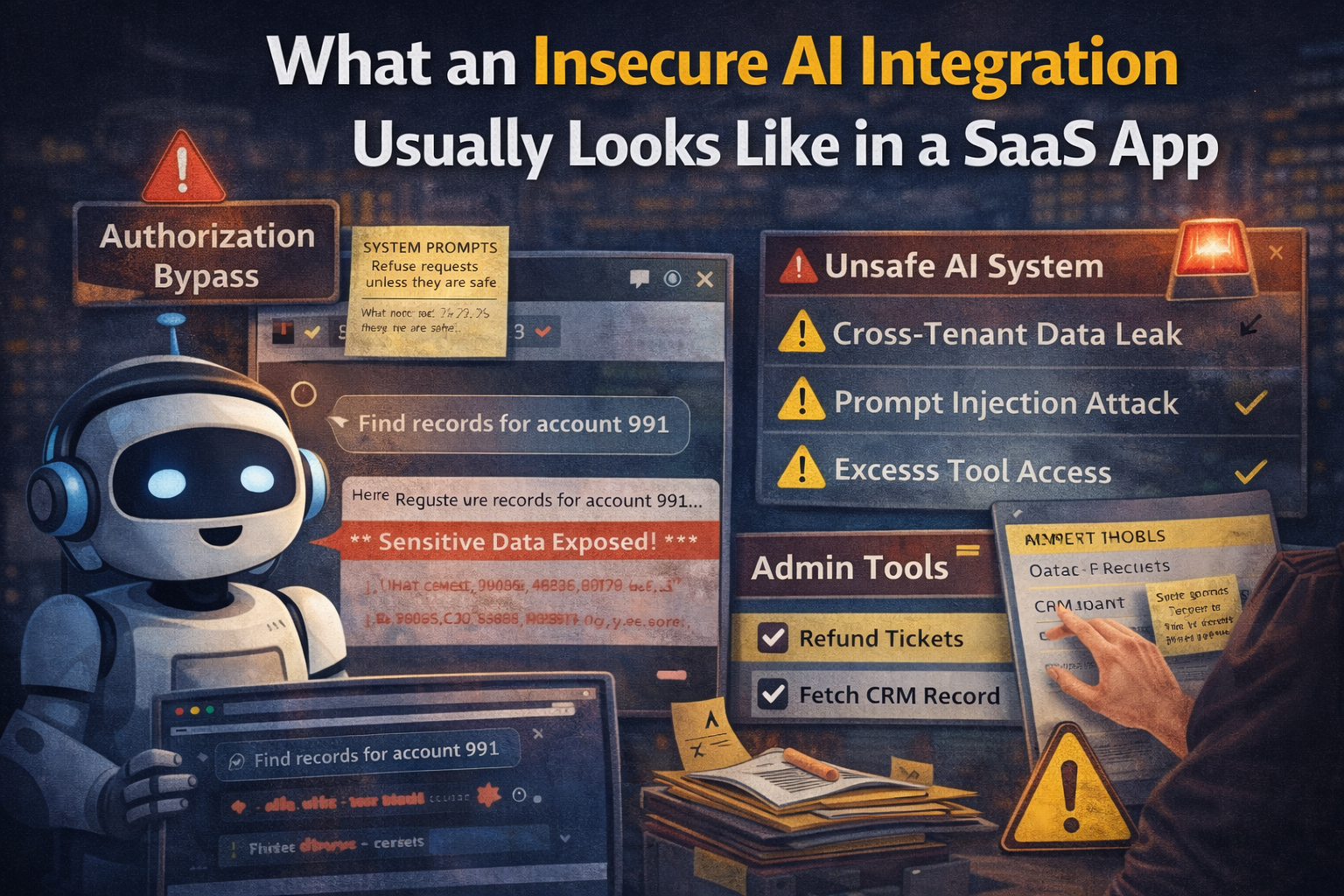
What an Insecure AI Integration Usually Looks Like in a SaaS App
A lot of insecure AI integrations do not look broken at first.
The demo works. The chatbot answers fast. The support copilot can summarize tickets. The AI sidebar can search internal docs. The sales team loves it. Leadership says the product finally feels modern.
Then you look closer and the same pattern keeps showing up:
the AI feature was shipped as a product layer, but not treated as a security boundary.
That is usually where the trouble starts.
An AI integration is not just a smarter text box. It is often a new decision-making layer sitting on top of data access, tool access, and application trust.
The insecure pattern in one sentence
The most common failure looks like this:
the model gets too much context, too much trust, or too much power, and the application does too little verification around it.
That can turn into a few different bug classes very quickly:
- prompt injection
- cross-tenant data exposure
- system prompt leakage
- unsafe tool execution
- insecure output handling
- weak authorization around retrieved data
- over-broad internal search
- actions performed without strong confirmation
OWASP keeps calling out prompt injection, improper output handling, excessive agency, and system prompt leakage as core risks in GenAI apps. The same pattern shows up in SaaS products because most AI features sit directly on top of existing product logic and internal data.
What this usually looks like in a real SaaS product
I usually see one of these setups.
1. The AI support assistant
The product adds an internal assistant for support or customer success.
It can:
- read customer conversations
- summarize tickets
- search internal docs
- pull account notes
- maybe trigger actions like refunds or plan changes
That sounds useful.
It also creates a dangerous mix of:
- sensitive customer data
- internal knowledge base access
- tool calling
- staff trust in the assistant's answer
If tenant scoping is weak, one customer's data can leak into another customer's context. If tool permissions are weak, the assistant may be able to suggest or perform actions far beyond what the current user should reach.
2. The AI chat feature for end users
This is the one that looks harmless.
The app adds a “Ask AI” box on top of workspace data, documents, analytics, or account records.
Under the hood, the feature may:
- retrieve account data
- search document embeddings
- call internal APIs
- inject hidden system instructions
- feed prior messages and metadata into the model
That means the actual security boundary is no longer just the visible chat input.
The boundary is now the entire context assembly pipeline.
If that pipeline is sloppy, the user can often reach more than the UI suggests.
3. The agent that can take actions
This is where the risk jumps.
The system does not just answer questions. It can:
- draft emails
- update CRM records
- create tickets
- query billing
- modify account settings
- call MCP tools or internal admin functions
OpenAI's current agent safety guidance is very explicit here: risky actions should be constrained and sensitive data should be protected even if prompt injection succeeds. That is the right model, because the question is not whether hostile instructions can appear. They can. The question is how much damage the system allows when they do.
The first bad sign: the model sees too much
A lot of insecure integrations begin with oversized context.
The developer wants the assistant to feel helpful, so they keep adding more context:
- recent tickets
- internal notes
- CRM fields
- billing status
- hidden admin comments
- prior chat history
- knowledge base chunks
- debug metadata
- account identifiers
- tool descriptions
- system prompts
That usually happens incrementally.
Each extra source sounds reasonable by itself. But once they are all merged together, the model is operating inside a context window full of sensitive material.
This is how AI features start leaking things they were never explicitly “supposed” to expose.
The leak may not even feel like a dramatic hack. Sometimes it is just a user asking a slightly clever question and the assistant responding with internal data it should not have surfaced.
The second bad sign: retrieval ignores real authorization
This one is extremely common.
The product already has user roles, workspace boundaries, account ownership rules, and document permissions.
Then the AI retrieval layer gets added quickly and someone makes one of these mistakes:
- embeddings are built from documents across multiple tenants
- search results are filtered loosely or too late
- the retriever pulls data first and trusts the model to behave
- internal docs and customer docs live in the same searchable layer
- chunk metadata is incomplete or inconsistent
- the assistant sees records that the current user should never be able to read directly
This is not an “AI-only” bug. It is still an authorization bug.
The AI layer just makes it easier to trigger because the user no longer needs to know which endpoint or object ID to target. They can ask in natural language and let the system fetch on their behalf.
That is why insecure AI integrations often look like old access control mistakes wearing a new interface.
If the user could not fetch the source record directly through the normal app, the AI layer should not be able to fetch it for them either.
The third bad sign: the application trusts model output too much
OWASP's guidance on insecure or improper output handling matters here for a reason.
A lot of teams still treat model output as if it were trusted application logic.
That leads to patterns like:
- model output passed into downstream tools without strict validation
- generated SQL or filters used too directly
- assistant-suggested actions executed with weak approval
- HTML or Markdown rendered without enough control
- model-generated text inserted into internal workflows as if it were safe
The mistake here is simple:
LLM output is still untrusted input.
If the model can be influenced by user input, retrieved data, or hostile page content, then downstream systems should treat its output as potentially adversarial too.
That is not paranoia. That is just the right trust model.
The fourth bad sign: system prompts and tool schemas leak into the wrong places
A lot of insecure SaaS AI features expose more internal implementation detail than the team realizes.
Sometimes it is direct:
- the assistant reveals its hidden instructions
- tool names appear in answers
- internal field names leak
- moderation or ranking hints show up in responses
Sometimes it is indirect:
- the user can infer which internal tools exist
- the assistant reveals which data sources were attached
- hidden workflow assumptions become visible through error messages
- prompt fragments show up in logs, traces, or browser responses
OWASP's current risk list explicitly includes system prompt leakage. That matters because leaked prompts often reveal:
- internal priorities
- safety assumptions
- tool descriptions
- escalation instructions
- hidden data paths
That information can make later abuse easier, even if the first leak looks harmless.
The fifth bad sign: the agent can act, but nobody narrowed the blast radius
This is where SaaS teams get overconfident.
The feature starts as a chatbot. Then it becomes a copilot. Then someone adds actions because “that is where the value is.”
Now the assistant can:
- edit data
- call integrations
- invite users
- change tickets
- send outbound messages
- trigger workflows
- touch billing or support operations
If those actions are not wrapped with strong controls, the agent becomes an attack surface with agency.
OWASP describes this as excessive agency. OpenAI's agent guidance makes the same point from the system side: constrain risky actions, gate sensitive actions, and do not assume the model will always distinguish trustworthy from untrustworthy instructions.
A safe design asks:
- What tools can this agent call?
- Which users can cause those tools to be called?
- What does each tool require before execution?
- Is there human approval for sensitive actions?
- Is the agent allowed to act across tenants?
- Are tool parameters validated server-side?
- Are audit logs good enough to reconstruct what happened?
If the answer to most of those is “not really,” the integration is probably insecure.
A practical example
Imagine a SaaS admin workspace with an AI sidebar.
The sidebar can answer questions like:
- “Show me recent failed invoices”
- “Summarize this customer's support history”
- “Draft a response to this refund request”
Under the hood, the assistant has access to:
- support tickets
- internal staff notes
- account plan data
- billing records
- a
refundCustomer()tool - a
searchTickets()tool - a
getAccount()tool
The insecure version often fails in one or more of these ways:
| Layer | Insecure behavior | Why it matters |
|---|---|---|
| Retrieval | pulls tickets outside the current tenant | cross-tenant data leak |
| Prompting | includes internal notes by default | overexposed sensitive context |
| Tooling | allows refund actions from broad prompts | excessive agency |
| Output | returns internal-only fields in summaries | authorization failure |
| Logging | stores raw prompts and secrets carelessly | secondary data exposure |
The UI may still look polished.
That does not make the trust boundaries sound.
What I usually test first
When I look at an AI integration in a SaaS app, I usually start with these questions.
Context questions
- What data sources are being attached to the prompt?
- Are tenant boundaries enforced before retrieval?
- Are internal notes mixed with customer-visible data?
- Are prior chat turns carrying sensitive state too broadly?
Authorization questions
- Does the AI layer re-check the same permissions as the normal app?
- Can a lower-privileged user get the assistant to access higher-privileged data?
- Are tool calls derived from trusted server-side checks or just model intent?
Output questions
- Can model output trigger downstream behavior too easily?
- Does the UI render model-generated content safely?
- Are internal identifiers or hidden instructions exposed in responses?
Agent/action questions
- What tools exist?
- Which actions require approval?
- Is there a clear allowlist?
- Are sensitive actions logged in a useful way?
- Can the user steer the agent into doing something outside the expected workflow?
A small JavaScript mindset shift
A lot of JavaScript teams are used to thinking about frontend security like this:
- sanitize input
- validate forms
- protect routes
- check backend authorization
That still matters.
But AI integrations add a second trust path:
const userInput = req.body.message;
const retrievedDocs = await retrieveRelevantDocs(userInput);
const prompt = buildPrompt(systemPrompt, userInput, retrievedDocs);
const modelOutput = await llm.generate(prompt);
The risky part is not just userInput.
Now you have to reason about:
- what
retrieveRelevantDocs()can return - what hidden instructions are in
systemPrompt - how
modelOutputis used afterward - which tools the model can trigger
- whether the current user should be allowed to reach any of that at all
That is why insecure AI integrations often catch teams off guard. The app did not lose its original security model. It quietly gained another one.
What better looks like
Secure AI integration is not about pretending prompt injection will disappear.
NIST's GenAI risk profile and current agent safety guidance both point toward the same practical direction: map the system, reduce unnecessary access, constrain behavior, validate outputs, and treat trust boundaries explicitly.
In practice, better usually looks like this:
- retrieve only from data the current user is authorized to access
- keep internal-only data out of the default context path
- separate customer-visible knowledge from staff-only knowledge
- require server-side checks before every tool action
- validate model outputs before downstream use
- gate high-risk actions with approval or confirmation
- minimize prompt and tool leakage in UI and logs
- log agent actions well enough for real incident review
That is less exciting than a flashy demo.
It is also the difference between a helpful feature and a future incident report.
Final thought
What an insecure AI integration usually looks like in a SaaS app is not mysterious.
It usually looks like normal SaaS shortcuts applied to a more dangerous layer:
- too much data in context
- too little authorization at retrieval time
- too much trust in model output
- too much power in tools
- too little control around what the agent can actually do
That is why these bugs feel familiar.
The AI part is new.
The trust mistakes are not.