Using Service Workers to Audit Referral Token Lifecycles
Referral tokens look harmless until you follow them through redirects, reloads, and background requests. The token is usually not the problem; the lifecycle around it is.
Why referral token lifecycles are easy to get wrong
A referral token often starts in a URL, moves into client state, and later gets replayed in an API call or cookie. That seems fine until you ask three basic questions:
- When is the token first seen?
- Where does it persist?
- What stops it from being reused after the intended window?
I usually audit this flow by watching the browser before I read the app code. Browser behavior shows the real trust boundary. If the token survives a reload, leaks into a referrer, or gets accepted more than once, the backend is probably trusting the wrong signal.
What a Service Worker can actually observe
A Service Worker sits in the request path for its scope, so it can observe fetches from pages it controls. That makes it useful for auditing lifecycles, but it is not magic surveillance. It will not see every request on the machine, and it will not correct bad backend logic.
What it can give you is a clean local trace of:
- request URL
- method
- selected headers
- whether a request was made again after reload
- whether the same token shows up in different phases of the flow
That is enough to catch most referral-token mistakes without touching production infrastructure.
Building a safe request logger
The goal is to log metadata, not secrets. I keep the logger narrow and boring.
// sw.js
self.addEventListener("fetch", event => {
  const { request } = event;
  const url = new URL(request.url);

  const entry = {
    ts: Date.now(),
    method: request.method,
    path: url.pathname,
    queryKeys: [...url.searchParams.keys()],
    hasAuthHeader: request.headers.has("authorization"),
    hasCookieHeader: request.headers.has("cookie")
  };

  event.waitUntil(
    self.clients.matchAll({ type: "window", includeUncontrolled: true }).then(clients => {
      for (const client of clients) client.postMessage(entry);
    })
  );

  event.respondWith(fetch(request));
});
Capturing request metadata without leaking secrets
Do not log raw tokens unless you are in a private test environment and have explicit permission. Even then, trim the data.
A safer pattern is to store only:
- presence or absence of a token
- token location class: URL, cookie, header, body
- a short hash or prefix for correlation
- timestamps and request path
That lets you answer lifecycle questions without creating a second copy of the secret.
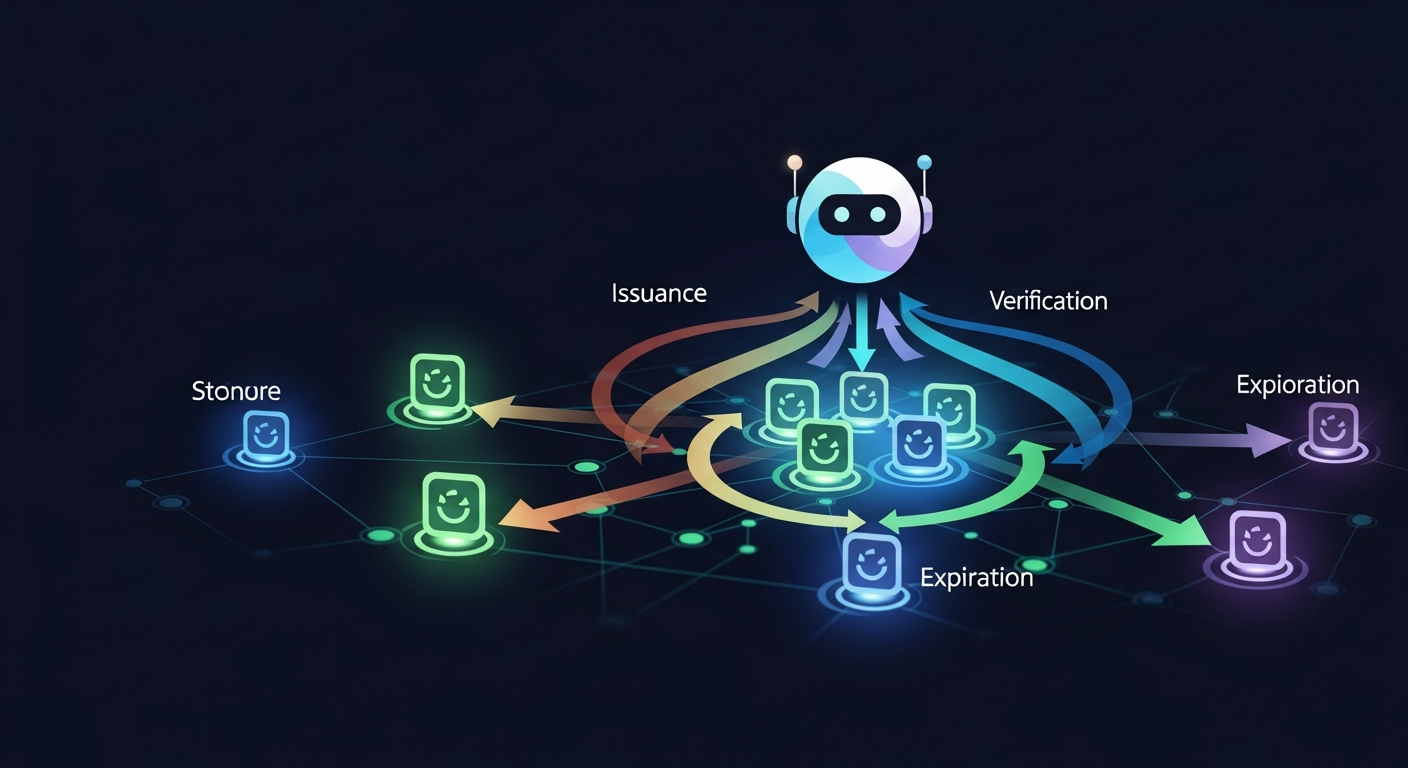
Separating token creation, reuse, and expiration
You want to know which request created the token, which request reused it, and which request should have been rejected.
I use three labels in my notes:
| Phase | What to check | Bug signal |
|---|---|---|
| Creation | First page load or redirect | Token appears too early or in the wrong context |
| Reuse | Subsequent navigation or API call | Same token accepted again |
| Expiration | Reload, logout, or timeout | Token still works after it should be dead |
That separation matters because many reports blur the phases and miss the real bug.
Reproducing a broken lifecycle in JavaScript
Example flow with page load, redirect, and API call
A typical broken flow looks like this:
- User lands on
/ref?token=abc123. - Client stores the token in memory or localStorage.
- App redirects to
/dashboard. - Dashboard code sends the token to
/api/referral/apply.
Here is a safe test harness that simulates the structure without using a real service:
const state = {
  token: null
};

function onLanding(url) {
  const params = new URL(url).searchParams;
  state.token = params.get("token");
  return { redirectTo: "/dashboard" };
}

function onDashboardLoad() {
  if (!state.token) return { ok: false };
  return fakeApiApplyReferral(state.token);
}

function fakeApiApplyReferral(token) {
  return {
    ok: Boolean(token),
    acceptedToken: token,
    note: "replace with an isolated test backend"
  };
}
The bug is easy to spot if the token is still present after the redirect or gets reapplied on refresh.
Checking whether tokens survive reloads or scope changes
This is where Service Worker scope helps. If the token is tied to a page under one scope, then a navigation outside that scope should not keep the token alive. If it does, the client is persisting more than it should.
Look for these signs:
- token stays available after hard reload
- token is stored in localStorage when a session-only flow was expected
- token is sent from a page that never received it directly
- token reappears after logout or account switch
What to look for in the network trace
Token in URL vs cookie vs header
Each location has its own failure mode:
| Location | Common risk | What to verify |
|---|---|---|
| URL | Referrer leakage, logs, history | Is the token short-lived and single-use? |
| Cookie | Cross-request replay | Is it scoped tightly and expired server-side? |
| Header | Client-side reuse | Is the header added only when needed? |
My rule is simple: if the token can do real work, the backend should not trust its location alone.
Cache reuse, replay, and stale state
A lot of broken lifecycles are just stale state in disguise. The page reloads, the Service Worker serves a cached shell, and the referral token gets replayed from memory or storage even though the user already completed the flow.
Watch for:
- repeated 200 responses where the second should be rejected
- the same token accepted after logout
- cached HTML or JS restoring a previous token path
- redirects that preserve query parameters longer than intended
Defenses and cleanup rules
One-time tokens and backend verification
The backend should own the lifecycle. The client can present a token, but the server should decide whether it is valid, unused, and tied to the right account or session.
Good defenses include:
- one-time token redemption
- short expiration windows
- server-side revocation after first use
- binding the token to an account, campaign, or session
- rejecting tokens that arrive from unexpected routes or contexts
Logging hygiene and storage limits
If you use a Service Worker for testing, keep the logs local and temporary.
- avoid raw token storage
- cap the number of retained events
- clear logs on reload or test end
- never forward captured tokens to analytics
A request logger is a debugging tool, not a safe place to archive secrets. If you store raw tokens, you create a second security problem.
Practical takeaways
The useful audit questions are the boring ones:
- Where did the token enter the app?
- What request first consumed it?
- Can it be replayed after reload?
- Does the backend reject reuse?
- Does any client storage keep it alive longer than intended?
If you can answer those with a small Service Worker trace, you usually find the lifecycle bug fast. The real fix is not more client-side cleanup. It is making the server enforce the token's lifetime, scope, and one-time use.