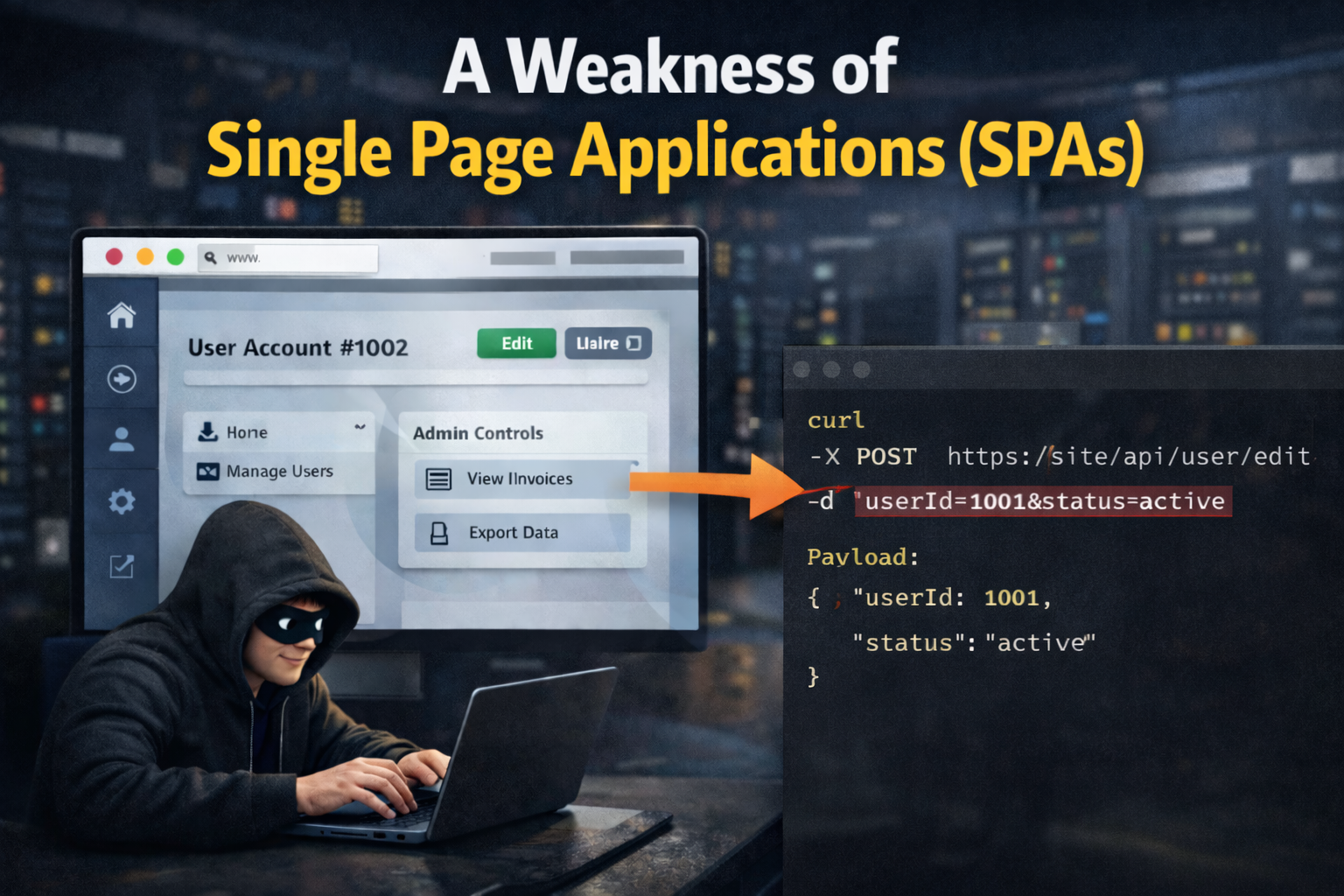
A Weakness of Single Page Applications (SPAs)
In the last few years, Single Page Applications (SPAs) have become more popular because they can provide a smooth user experience. However, they also come with weaknesses that developers should understand. As the entry barrier for building SPAs gets lower, more developers with limited experience are creating them, which can lead to poor security practices and vulnerabilities. Experienced developers can make the same mistake when they assume the framework will handle everything or rely too much on client-side validation, which attackers can often bypass.
By SPAs, I mean applications built with frameworks like React, Angular, or Vue.js, where routing and most validation happen on the client side.
Website of Interest
The website used for this example is https://lowlevel.academy/. It offers courses on low-level programming, including C and Rust. It is built with React on the frontend and Python on the backend.
Doing Reconnaissance
We'll go through the reconnaissance process to find potential weaknesses in the SPA. This post focuses on the React application, but the same principles apply to frameworks like Angular or Vue.js. You can use browser extensions like React Developer Tools to inspect the React application, or you can use the built-in developer tools and debugger in your browser. Burp Suite can also be used to modify requests and responses. That is useful for security testing, especially after the initial reconnaissance phase.
First Steps
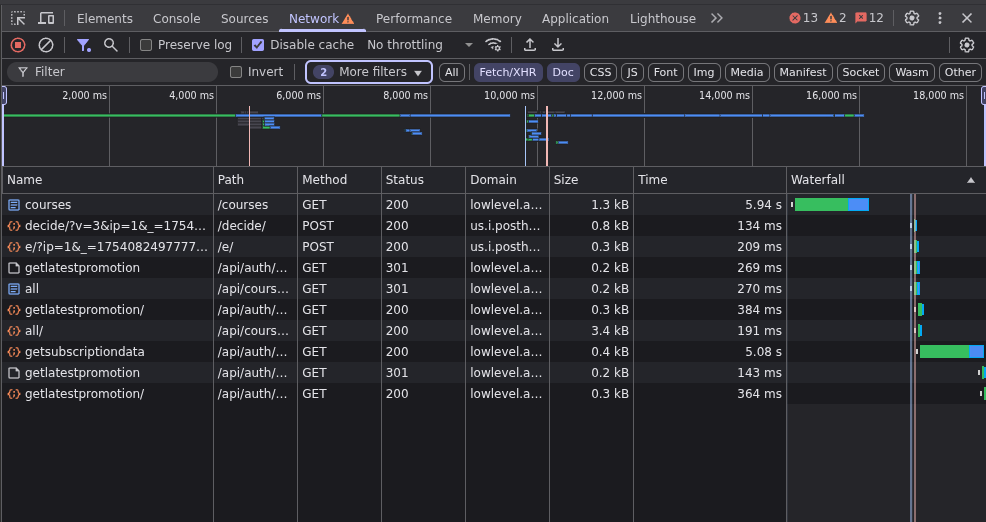
Open the website and check initial requests in the Network tab of your browser's developer tools. You can select "Fetch/XHR" to filter requests and see only the API calls made by the application. Check request payloads and responses to understand how the application works and what data it sends and receives. Burp Suite can be used here to map the application's API endpoints and save them for later testing.
Inspecting the Application
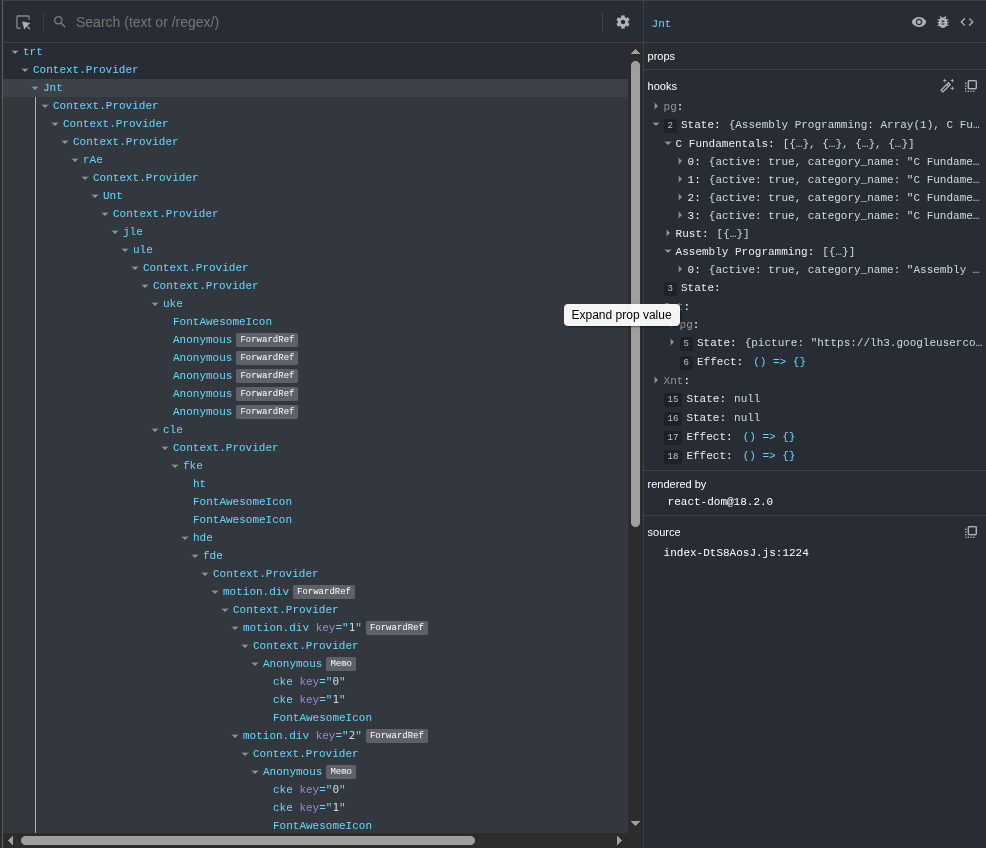
Open React Developer Tools in your browser to inspect the React application. You can see the component tree, props, and state for each component. Check the component state, props, and any contexts used by the application. You might find state values that control the visibility of certain components or features, which can reveal restricted functionality or data.
Finding Weaknesses
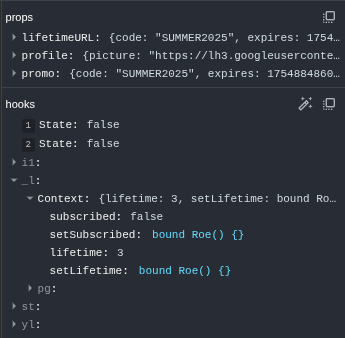
We may find boolean state values that control access to premium features that
regular users cannot access or that are hidden behind a paywall. For example, we
might find a state value like isPremiumUser that is set to false for regular
users and true for premium users. We can try to change this state to true in
React Developer Tools by clicking the checkbox next to the state value, if one
is available. If we can see the state setter, we can right-click it, select
"Store as Global Variable", and call the stored function (for example,
$reactTemp0(true)).
Accessing Restricted Features
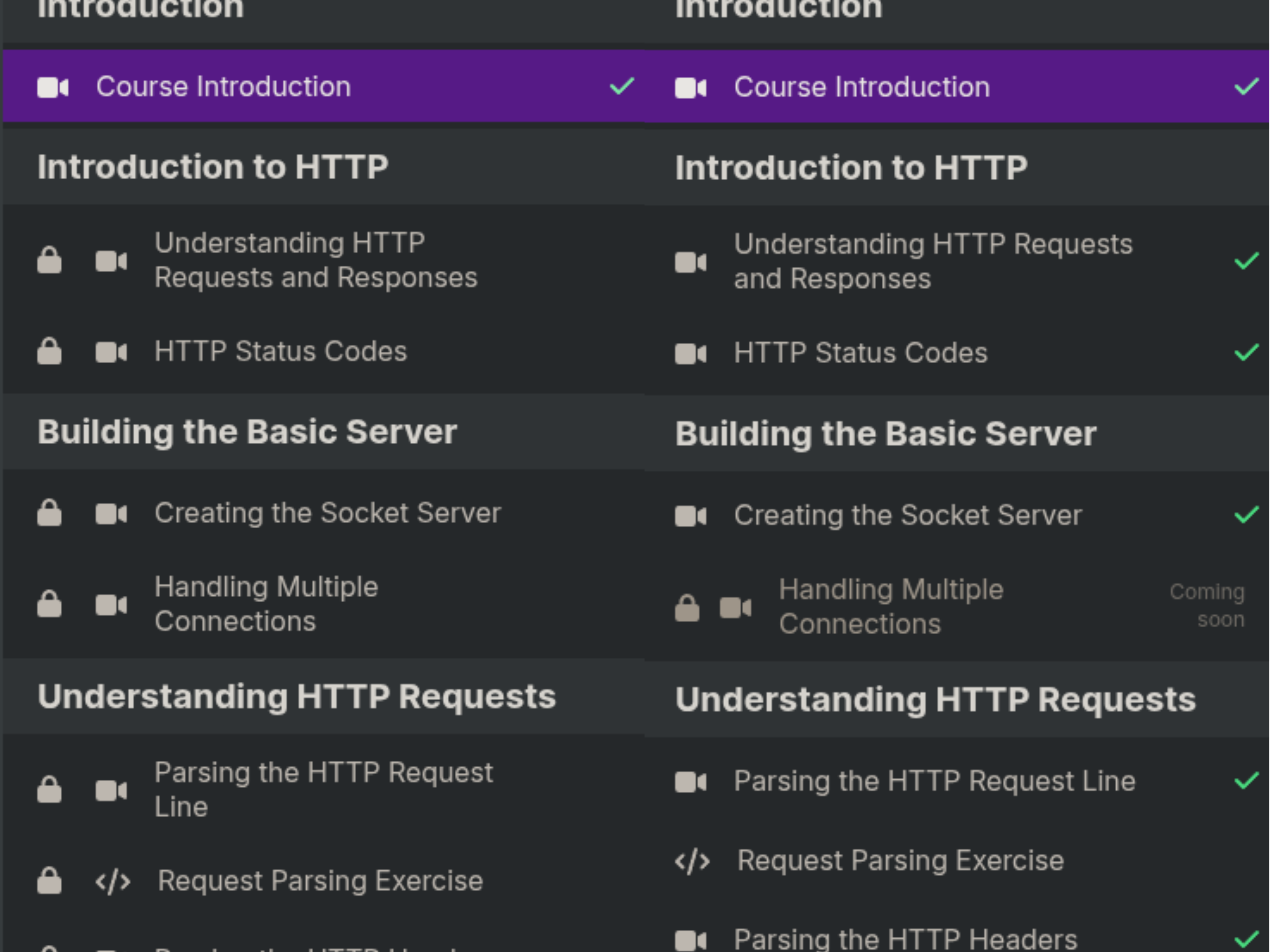
After changing the state to true, we can try to access restricted features or
data that were previously hidden. For example, if a premium course is not
available to regular users, we can try to access it. We can find the React
Router context, store the history.push method as a global variable, and use it
to navigate to the restricted page (for example,
$reactTemp0.push('/premium-course-slug')). Check whether the page loads and
whether the content is accessible. Also check whether any API calls are made to
fetch data for the restricted page, and whether that data is visible in the
response. This can unlock premium functionality that was not available before,
such as downloading a course or, in this case, marking a course as completed.
The important part is to check whether the backend rejects those requests. If
the backend accepts them, the issue is no longer just hidden UI state; it is a
server-side authorization bug.
Conclusion
Developers should understand the weaknesses of SPAs and take the necessary precautions to secure their applications. They might think that locking features behind a paywall or using client-side validation is enough, and that users will not be able to access premium-only endpoints. That assumption is unsafe. Normal application usage might hide these issues, but attackers can bypass restrictions by reading source code, inspecting application state, or modifying client-side values. Developers should not rely solely on client-side validation. Server-side authorization and validation must enforce access control. Every sensitive route should require the correct account level on the backend. In this case, two backend routes were missing the decorator that enforced a paid account requirement, so the requests succeeded even though they should have been blocked for free users. Client-side validation can improve the user experience, but it should not be the only line of defense.
This post is based on a recently found vulnerability in
website. The vulnerability was reported to the website owner and has been fixed, but the post is still relevant because it demonstrates a common SPA weakness and how it can be exploited. The website owner gave permission to use this example in the post and awarded me a $500 bounty for reporting the vulnerability.
Example of Vulnerability
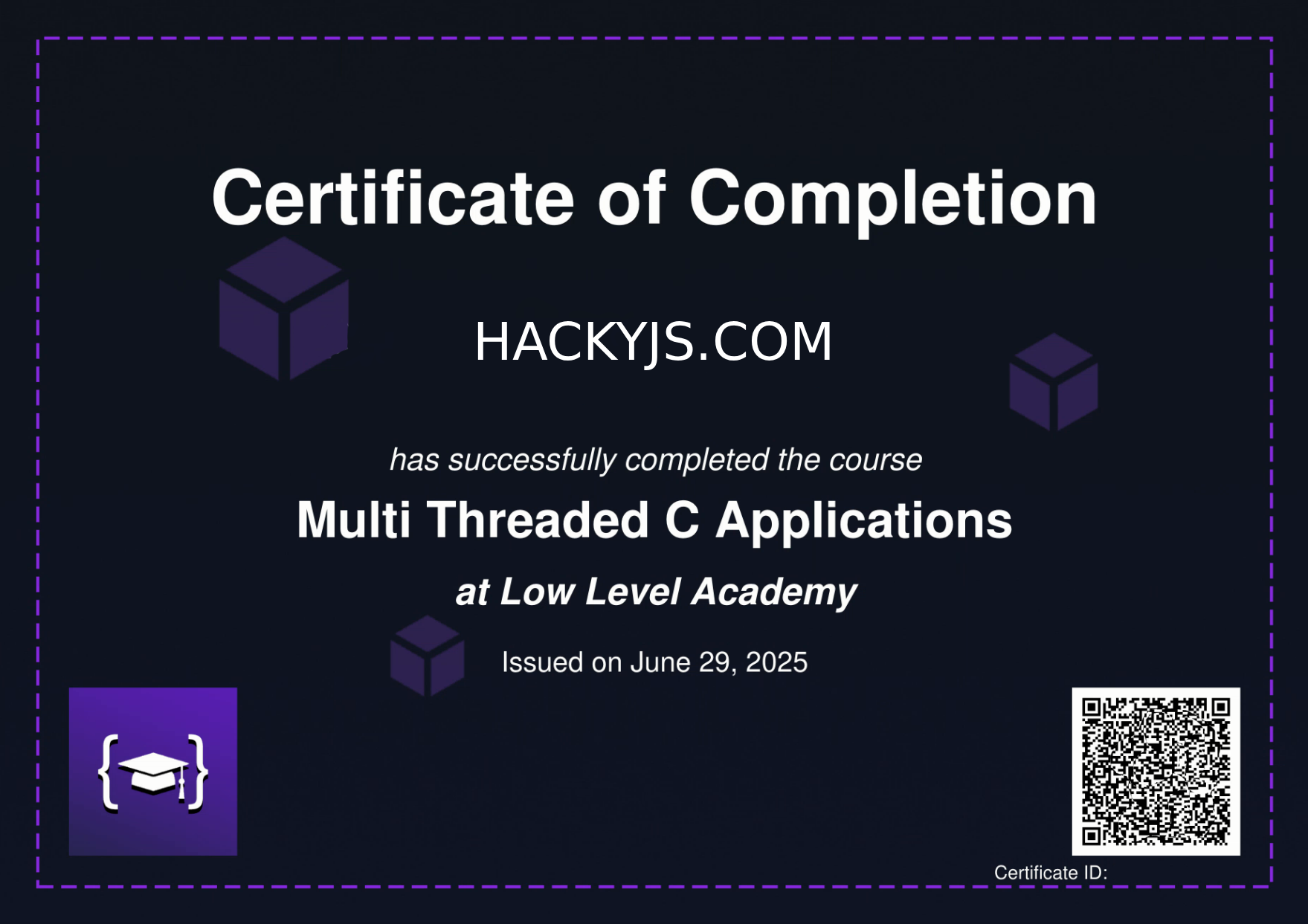
In this case, we could mark a course as completed without actually completing it by modifying the application state and clicking the button that marks the course as completed. Once all lessons in the course were marked as completed, we could download the course completion certificate, which was not intended for free users. The website offers a free preview of course lessons, but certificates are only available to paid users. This vulnerability allowed us to obtain a certificate without paying. The root cause was that the two relevant backend routes did not have the decorator that required a paid account. Because of that missing authorization check, both requests passed successfully for a free account when they should have failed.