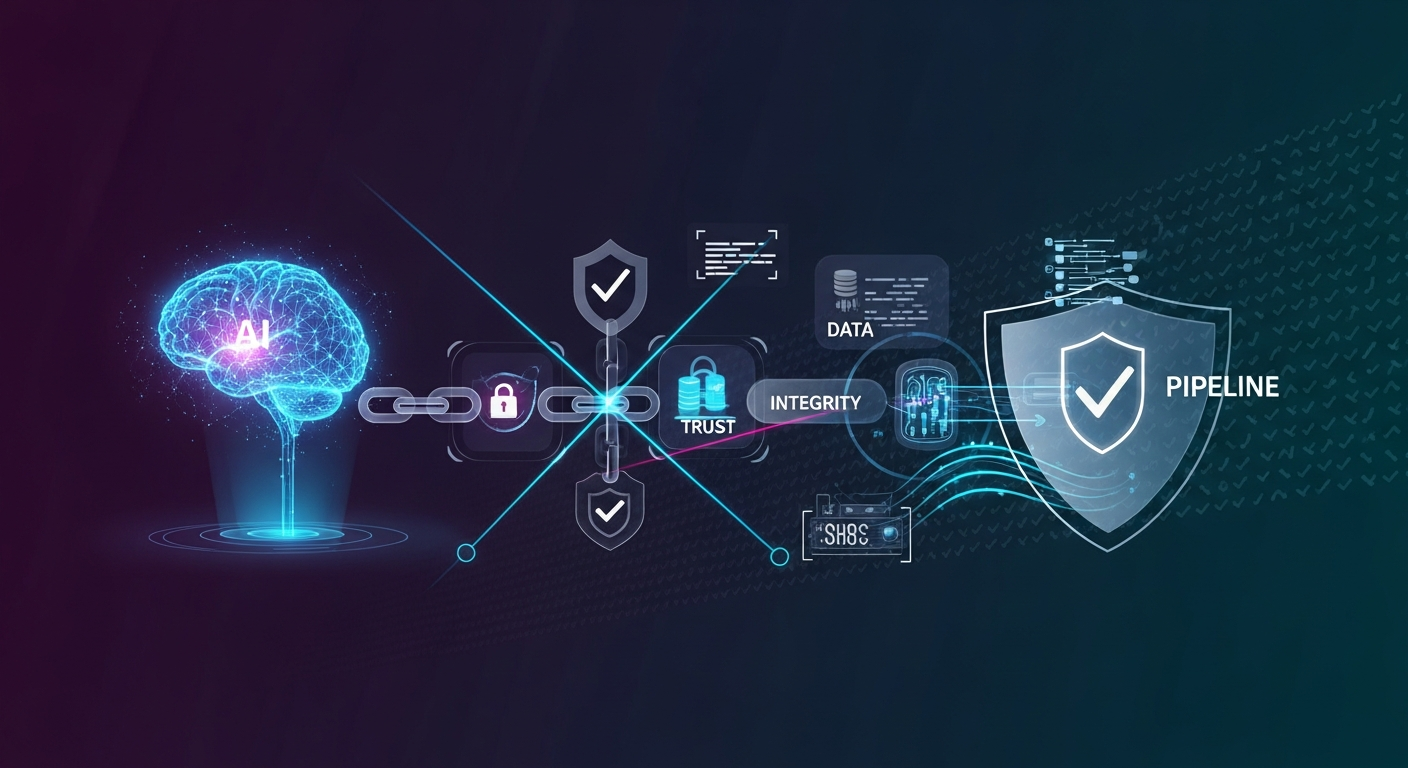
Securing the AI Supply Chain: Model Integrity Checks
Why model integrity belongs in the AI supply chain
I treat model files like any other production dependency: if I cannot prove what was downloaded, I do not trust what gets loaded. That matters because model packages are rarely just weights now. They often include tokenizers, adapters, config files, and runtime metadata that can change behavior without touching the main checkpoint.
The failure mode is usually boring, which is why it slips through. A registry says one thing, the runtime loads another, and nobody notices until the model starts behaving oddly or a bad artifact runs in a supporting step. The risk is not only tampering. It is also accidental drift, partial updates, and silent fallback to whatever was already cached on disk.
What can actually be tampered with
Model files, adapters, and checkpoints
The obvious target is the weight file, but that is only part of the bundle. I also check:
- checkpoint shards
- LoRA or other adapters
- tokenizer files
- config and generation settings
- pre/post-processing assets
A compromised adapter can be just as damaging as a poisoned checkpoint because it changes runtime behavior while looking like a normal update.
Metadata, hashes, and provenance
Hashing alone is not enough unless you know what the hash belongs to. You need the expected model ID, version, source, and artifact list. Provenance answers the basic question: who built this, where did it come from, and is this the exact thing we intended to ship?
That is the difference between “downloaded from somewhere” and “verified against a release we trust.”
A practical integrity check workflow
Verify hashes before loading
Do not load a model and then check it later. Verify the bundle first, then open it. If the hash or signature does not match, stop immediately.
Compare expected and observed artifacts
I usually compare three things:
| Field | Expected | Observed |
|---|---|---|
| Model version | release tag or digest | local downloaded artifact |
| File list | exact manifest | files present on disk |
| Hashes | published digest | computed digest |
This catches tampering and packaging mistakes. If the manifest says tokenizer.json should exist and it is missing, that is a failure.
Fail closed on mismatch
A lot of systems try to be helpful here and quietly fall back to a cached model. That is the wrong default. If integrity fails, the safe behavior is to reject the load and surface a hard error.
Silent fallback turns a verification failure into an invisible production change.
JavaScript example: checking a downloaded model bundle
Here is a minimal Node.js example that verifies a bundle before it is used:
import { createHash } from "node:crypto";


async function sha256File(path) {
const data = await readFile(path);
return createHash("sha256").update(data).digest("hex");
}

async function verifyModelBundle(manifest) {
for (const artifact of manifest.artifacts) {
  const actual = await sha256File(artifact.path);

  if (actual !== artifact.expectedSha256) {
    throw new Error(
      `Integrity check failed for ${artifact.path}: expected ${artifact.expectedSha256}, got ${actual}`
    );
  }
}

return true;
}

const manifest = {
modelId: "sentiment-model-v3",
version: "3.2.1",
artifacts: [
  {
    path: "./models/sentiment-model-v3/model.safetensors",
    expectedSha256: "9f2c2b0d1f3b4a3ef3d4f8c8b5b9b7a9f3f0f4b2d1c4e5a6b7c8d9e0f11223344"
  },
  {
    path: "./models/sentiment-model-v3/tokenizer.json",
    expectedSha256: "2b5d4d8d1fd1b3f77d3f9e8a0e7b6d5c4b3a291817161514131211100ffeeddcc"
  }
]
};

await verifyModelBundle(manifest);
console.log("Model bundle verified.");
The interesting part is not the hashing code. It is the manifest. In real systems, that manifest should come from a trusted registry or release pipeline, not from the same place as the downloaded file.
Detection signals that are worth alerting on
Unexpected file drift
If a model directory changes after verification, something is wrong. Alert on:
- file additions
- file deletions
- checksum changes
- timestamp changes in immutable release directories
Version skew between registry and runtime
I have seen systems where the registry says one version, the deployment says another, and the logs show a third. That usually points to bad promotion logic or a stale cache.
Silent fallback to unverified artifacts
This one is easy to miss. If the loader cannot fetch the verified artifact and quietly uses a local copy, your integrity control is already bypassed.
Log the exact model ID, version, digest, and source at load time. That makes drift visible during incident review.
Common mistakes that weaken the control
The biggest mistake is checking only the main checkpoint and ignoring the rest of the bundle. The second is trusting a hash that was fetched from the same untrusted location as the model. The third is allowing “temporary” fallback behavior to become permanent.
Another common problem is verifying the file once during build but not rechecking on the server before inference. Build-time checks help, but runtime checks catch disk corruption, manual edits, and deployment mistakes.
What to do when integrity fails
When a model fails verification, I recommend a boring response:
- Stop loading it.
- Quarantine the artifact.
- Compare against the published release record.
- Re-download from a trusted source.
- Rotate credentials if the source or registry looks compromised.
If the failure came from a production deployment, preserve the bundle and the deployment metadata. You will want both during investigation.
Conclusion
Model integrity checks are not fancy, but they are one of the few controls that actually scale across the AI supply chain. They give you a hard answer to a simple question: did we load the artifact we intended to load?
If you only remember one thing, make it this: verify before load, compare against a trusted manifest, and fail closed when something does not match.