Node.js Supply Chain Attack: Tracing the binding.gyp npm Compromise
Introduction
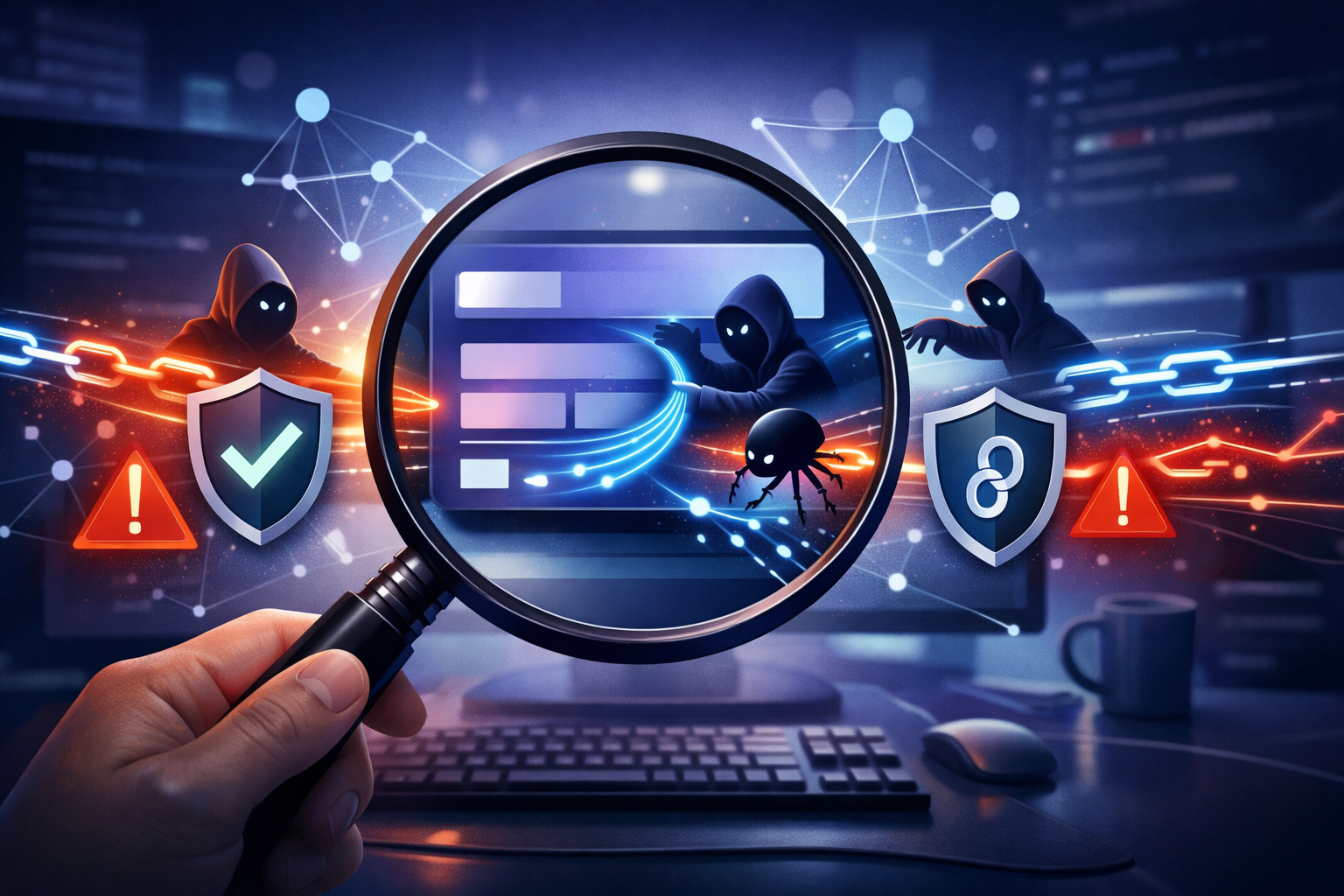
Public reporting on the binding.gyp npm compromise points to a familiar problem that still gets underestimated: the package is only part of the story. The bigger issue is that an attacker got into maintainer accounts and used that trust to push bad releases across multiple packages before anyone had a chance to react.
That matters because JavaScript teams tend to think about dependency risk in terms of package names and version ranges. In an incident like this, the real attack surface is the publish pipeline, account recovery, release automation, and every CI job that installs packages while secrets are available.
Why this npm incident matters to Node.js teams
If you ship Node.js code, you are already depending on a chain of trust that includes:
- npm account security
- registry metadata
- lockfiles and package managers
- install-time scripts
- build tooling for native modules
- CI and developer workstations
A maintainer-account compromise can cross all of those layers at once. A single malicious release can reach your tree through a direct dependency update, a transitive upgrade, or a rebuild in CI that runs package scripts during install.
That is why this kind of incident deserves more attention than a one-package malware story. The useful question is not just “was a package malicious?” It is “which trusted path let malicious code look normal long enough to be consumed?”
What makes maintainer-account compromise worse than a single bad package
A random malicious package is usually easier to spot:
- the package name looks odd
- the download count is low
- the code changes are noisy
- the publisher account is new or disposable
A maintainer compromise is different. It borrows reputation. It can reuse established package names, normal release cadence, and expected install behavior. That gives defenders less time to notice drift, and it makes automated trust systems more likely to accept the release.
In practice, the question shifts from “Is this package known bad?” to “Can I trust the identity and release process behind this package right now?”
What the report says happened
The reporting available at the time of writing is thin, but the public summary is clear on a few important points:
- the incident involves a
binding.gyp-named npm supply chain compromise - multiple maintainer accounts were involved
- dozens of npm packages may have been affected
- the event was noticed through public signals rather than a clean disclosure from a single owner
That is enough to treat it as a real supply chain event, even if some details remain unconfirmed.
The binding.gyp lure and the public signal that something was off
binding.gyp is a recognizable name in Node.js land because it is tied to native module build configuration. That makes it a useful lure: developers and CI systems often expect build-related files and package metadata to exist around native addons.
The public reporting suggests that attackers used that familiarity as part of the compromise story. The exact mechanics are still not fully public, but the important pattern is not the file name itself. It is that something in the release path looked ordinary enough to pass an initial review.
That is the recurring problem with supply chain attacks in a mature ecosystem. They rarely need to invent a new format. They only need to fit into the formats developers already trust.
How the compromise spread across maintainer accounts
The report describes compromise across maintainer accounts, not just one package owner. That matters because npm publishing is identity-driven. If an attacker can access a maintainer account, they can publish into every package that account controls.
Once a trusted identity is compromised, the attacker can:
- publish new versions under a legitimate namespace
- time releases to match routine dependency upgrades
- trigger downstream installs through semver ranges
- blend in with normal CI automation
A package ecosystem does not need every maintainer account to be weak. It only needs one weak recovery path, one reused password, one stolen token, or one phishing event that lands in the wrong inbox.
Why dozens of packages can be affected before anyone notices
The scale in this report is what makes it dangerous. Dozens of packages can be touched before someone recognizes the pattern because npm distribution is built for speed.
There are a few reasons this moves quickly:
- Many consumers auto-update within allowed semver ranges.
- Some CI pipelines run install scripts on every build.
- Transitive dependencies are often invisible in day-to-day development.
- Package metadata changes faster than human review can keep up.
By the time someone notices a weird release, the affected tarballs may already be in lockfiles, build caches, internal mirrors, and developer machines.
Reconstructing the attack path in npm terms
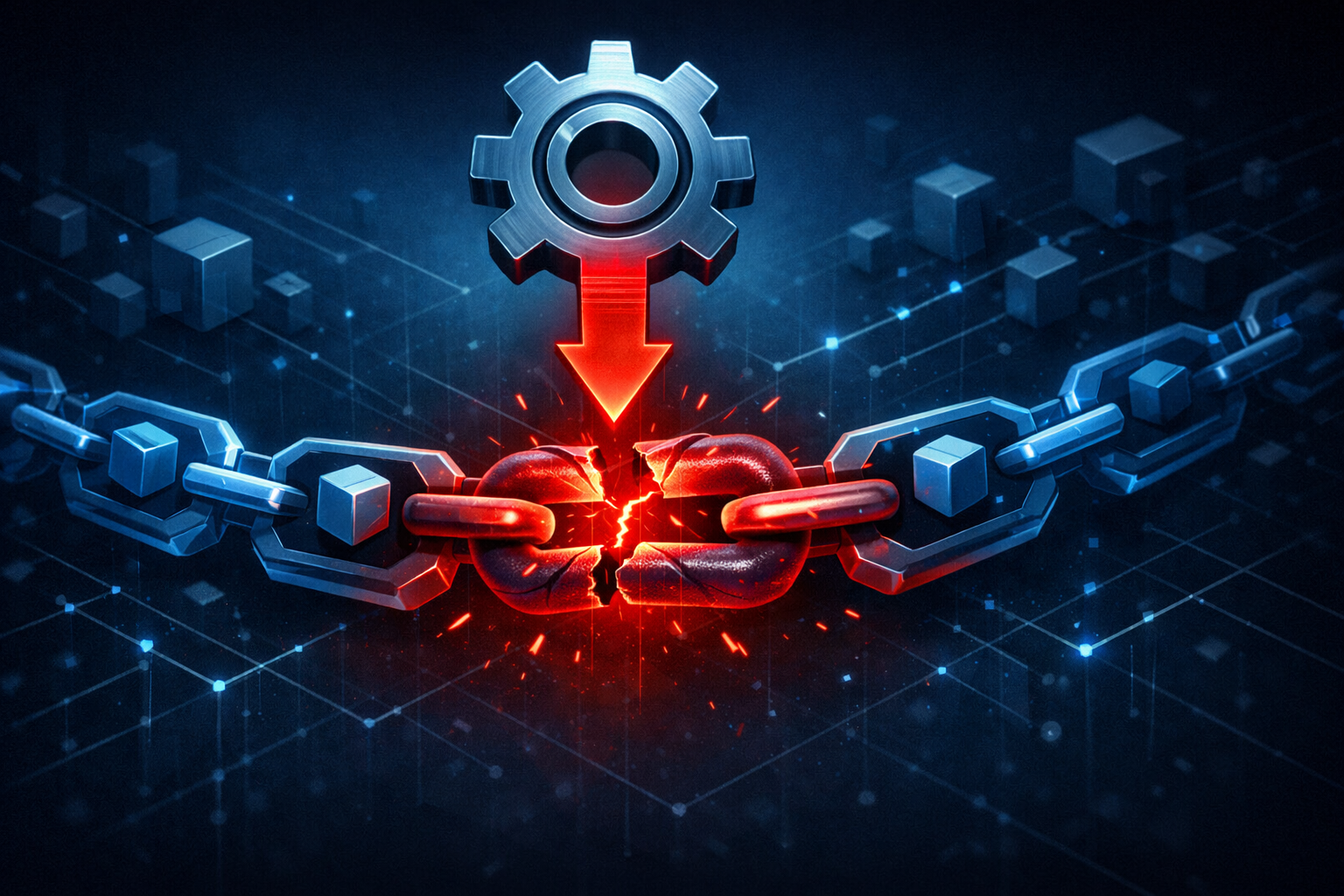
The cleanest way to think about this event is as a trust-chain break, not just a code injection.
Trusted publisher accounts, not just malicious code, are the real attack surface
In npm, the publisher identity is part of the security model. You are not only downloading code. You are also accepting a release signed by a user or automation flow that the ecosystem already treats as trusted.
That means an attacker who steals a maintainer account does not need to create a suspicious new package. They can publish an update that looks like business as usual.
A useful mental model is:
| Control point | Normal assumption | What an attacker can abuse |
|---|---|---|
| npm account | Publisher is legitimate | Stolen session, reset, or token abuse |
| Release tag | Version points to intended source | Malicious release under known name |
| Package tarball | Contains expected source | New files, scripts, or modified build steps |
| Install step | Package scripts are routine | Lifecycle hooks run in CI with secrets |
| Dependency graph | Updates are safe if pinned | Semver ranges still allow compromised versions |
The point is not that npm is uniquely broken. The point is that trust is spread across too many steps for a single control to save you.
How package publish access turns into downstream reach
Publish access is downstream reach. If the package is a direct dependency, the blast radius is obvious. If it is transitive, the risk is subtler and often larger.
A compromised publish can:
- affect applications that never knowingly added the package
- change build behavior if it participates in native compilation
- introduce lifecycle scripts that run during
npm install - alter output artifacts that are then promoted to production
In Node.js ecosystems, build-time and install-time execution matter a lot. Packages are not just inert artifacts. Some of them actively participate in the build.
Where install-time scripts, build steps, and transitive dependencies amplify impact
Install-time scripts are where a lot of real-world exposure happens:
preinstallinstallpostinstall- native addon build steps tied to
binding.gyp - code generation hooks in monorepos and scaffolding tools
If a compromised package includes or modifies a script in one of those paths, it may run before your application code ever starts. That is why supply chain compromise can hit developer laptops and CI runners harder than production servers.
A lot of teams think, “We do not import that package directly.” That is not enough. If a transitive dependency is compromised and gets installed in a build environment with credentials present, the attacker may never need runtime access at all.
What the public reporting confirms and what it still does not prove
What the reporting supports:
- there was a supply chain compromise involving
binding.gyp - multiple maintainer accounts appear to have been impacted
- the incident reached beyond a single package
What is not fully proven from the source material alone:
- the precise initial intrusion vector
- every affected package name
- whether any particular payload exfiltrated data
- the exact install-time behavior of each compromised release
That uncertainty matters. For defenders, the right response is not to guess at a perfect incident story. It is to assume that any package published through compromised maintainer access may be suspect until verified.
What was likely at risk in real projects
The most realistic risk is not “all user data is gone.” The realistic risk is credential exposure during build and deployment.
Direct package consumers versus transitive consumers
Direct consumers know which package they installed. Transitive consumers often do not.
That distinction matters because direct consumers can usually triage by name and version. Transitive consumers need a graph view. A package may enter the tree through a bundler, a build tool, a lint plugin, or a native dependency that no one remembers adding.
A simple way to think about exposure is:
- Direct consumers: easier to identify, easier to pin, easier to replace
- Transitive consumers: harder to notice, harder to scope, often more numerous
The public reporting’s “dozens of packages” claim makes transitive reach the main concern. Even if only a subset ran malicious code, the trust boundary was already crossed.
CI runners, developer laptops, and secrets exposed during install or build
This is where the attack can become concrete.
If a compromised package runs during install, it may reach:
- npm publish tokens cached on the runner
- GitHub Actions or GitLab CI variables
- cloud credentials for artifact upload
- package registry auth
- internal API keys used for tests
- SSH keys or deploy tokens on developer systems
The install process is especially sensitive because it often runs before security controls are fully active. Many teams install dependencies early, then fetch secrets, then run tests. A malicious package only needs a small window.
In other words, the package does not need to own your production app. It may only need to see your build environment once.
Why lockfiles reduce drift but do not erase already-published compromise
Lockfiles help, but they are not a retroactive cure.
If a compromised version is already in your lockfile, the lockfile faithfully preserves the bad release. If your team uses broad semver ranges and updates regularly, a lockfile only delays exposure until the next resolution step.
You should think of lockfiles as drift control, not trust restoration.
A lockfile can:
- keep unreviewed versions from slipping in unexpectedly
- make incident review reproducible
- help compare pre- and post-compromise installs
But it cannot:
- clean a compromised version already pinned
- validate that the tarball itself is benign
- stop install scripts from running once the version is selected
How to check whether your codebase was exposed
The goal here is not panic-driven scanning. It is disciplined inventory.
Inventory every direct dependency tied to the affected maintainer accounts or package family
Start with a package inventory across every repo that builds or deploys Node.js code.
You want:
- direct dependencies
- devDependencies that run in CI
- workspace packages
- nested packages that install scripts or native build steps
- internal forks or vendored copies
A rough inventory command can help surface what is installed:
npm ls --all --json > dependency-tree.json
For a broader software bill of materials style pass, export from your package manager and search for suspicious maintainer names, package family names, or known release windows.
If the public reporting later names specific maintainers or packages, search for those first. If not, search for the release window and package metadata changes around the event.
Compare installed versions against registry timestamps and release windows
The next step is to compare what you have installed with when it was published.
Useful checks:
- Was the version published during the reported compromise window?
- Did the package version change without a corresponding source review?
- Did your lockfile resolve to a version released during the incident?
- Did CI pull a fresh tarball after the bad publish?
You can inspect npm metadata directly:
npm view <package-name> time --json
npm view <package-name> version
npm view <package-name> dist.tarball
If the package version in your lockfile matches a release inside the suspicious window, treat it as needing review even if you have not seen obvious symptoms.
Inspect package-lock.json, npm shrinkwrap, pnpm-lock.yaml, and yarn.lock for pinned bad versions
Different lockfile formats all serve the same triage purpose: they tell you exactly what the resolver chose.
Look for:
- exact package versions
- integrity hashes
- resolved tarball URLs
- unexpected version bumps
- packages updated around the incident date
A quick scan can be as simple as:
grep -R "package-name\|maintainer-name" package-lock.json pnpm-lock.yaml yarn.lock npm-shrinkwrap.json
If you use workspaces, inspect the root lockfile and each package manifest that can influence resolution. A compromised transitive dependency might appear only once in the root, but still be installed everywhere.
Review package metadata, tarball contents, and lifecycle scripts for unexpected changes
If a version looks suspicious, inspect the tarball itself, not just the registry metadata.
A safe review flow is:
npm pack <package-name>@<version> --dry-run
npm view <package-name>@<version> scripts --json
Then unpack and inspect the file list:
npm pack <package-name>@<version>
tar -tf <package-name>-<version>.tgz
You are looking for:
- new scripts
- obfuscated files
- unexpected binaries
- postinstall hooks
- modified build configuration
- files that do not match the package’s normal pattern
For native modules, a binding.gyp file is expected in some packages. The key question is whether its presence and contents match the package’s historical behavior. If a package suddenly introduces native build steps or changes them in a release tied to the incident window, that deserves deeper review.
Practical triage workflow for teams
The fastest way to get lost is to start reading source code before you know which machines were exposed. I usually work outward from inventory to execution traces.
Start with repo-wide dependency search and SBOM-style inventory
Begin with a list of every Node.js application, library, and build image in scope.
Then collect:
- package manifests
- lockfiles
- CI definitions
- container build files
- deployment scripts
- internal package mirrors
If you have an SBOM tool, use it. If not, export manifests from each repo and normalize them into a spreadsheet or JSON document. The point is to answer: which repositories could have resolved the affected versions?
A simple repo-wide search is often enough to produce the first pass:
find . -name package.json -o -name package-lock.json -o -name pnpm-lock.yaml -o -name yarn.lock
From there, map packages to build systems and runtime environments. A package used only in tests is still relevant if tests run with secrets.
Reinstall in a clean environment and compare behavior, network calls, and script execution
The safest verification environment is disposable.
Use a clean container or VM, and compare a known-good install against the version range that may have been compromised. Watch for:
- unexpected lifecycle scripts
- new outbound HTTP requests
- files written outside the package directory
- changes in
node_modules/.bin - altered build outputs
If you can do it safely, capture network activity during install in a sandbox. You are not trying to reverse-engineer malware here. You are trying to answer whether the package behaves differently from the expected release.
A minimal approach:
npm ci
npm test
Run that inside a network-restricted environment first, then repeat with logging enabled. If the build breaks only when outbound access is blocked, that is a clue worth investigating.
Check CI logs for unusual outbound requests, new binaries, or environment variable access
CI logs are often the best place to see compromise signals after the fact.
Look for:
- new download domains
- install scripts that suddenly take longer
- warnings about missing binaries
- attempts to read environment variables
- archive or artifact creation that does not match the normal build
If your CI platform stores step-level logs, search around the install phase. That is where malicious package behavior is most likely to show up.
A useful checklist:
| Signal | Why it matters |
|---|---|
| New outbound DNS or HTTP requests | Possible exfiltration or fetch of second-stage content |
Unexpected postinstall activity | Package ran code during install |
| New binaries in workspace | Potential payload staging |
| Access to environment variables | Secret exposure risk |
| Build artifacts changed without source diff | Supply chain tampering clue |
Decide when to rotate tokens, rebuild artifacts, and invalidate cached dependencies
Once exposure is plausible, treat the environment as potentially contaminated.
Rotate immediately if the compromised package may have run in a place with:
- registry auth tokens
- cloud credentials
- Git credentials
- deploy keys
- internal API secrets
Then:
- rebuild artifacts from a clean dependency tree
- clear package caches in CI
- invalidate self-hosted registry mirrors if they may have cached bad tarballs
- force fresh dependency resolution after remediation
Do not leave cached artifacts in place just because the source repository looks clean. A compromised install can poison build outputs even when application code never changed.
Defensive controls that reduce npm blast radius
There is no single control that fixes maintainer compromise. The best defense is layered and boring.
Enforce 2FA and strong account recovery on maintainer identities
If a maintainer account is the weakest link, then account recovery is part of your security boundary.
Require:
- 2FA for publish access
- strong recovery methods
- periodic review of recovery email and phone settings
- removal of stale collaborators
For teams that own packages, this is non-negotiable. For consumers, it is worth preferring dependencies whose maintainers have strong account hygiene and visible release practices.
Prefer granular publish tokens, short-lived credentials, and scoped access
Long-lived tokens are convenient and dangerous.
Safer patterns include:
- granular publish tokens
- token rotation
- scoped permissions
- short-lived CI credentials
- separate identities for release automation and human publishing
The less reusable a credential is, the less useful it becomes if stolen.
Use provenance, signature verification, or trusted publishing where available
Where your ecosystem and registry support it, provenance helps tie a package release to a real build context.
That does not magically prevent compromise, but it raises the bar by making unauthorized publishing harder to hide.
For npm teams, look at:
- trusted publishing flows
- provenance metadata
- verification of release source
- package integrity checks in CI
If your pipeline can verify that a release came from the expected source and workflow, you remove some of the ambiguity attackers rely on.
Pin versions, review updates, and block surprise install scripts in high-trust environments
You do not need to ban all scripts everywhere. You do need a policy for where they are allowed.
In high-trust CI jobs and production build systems:
- prefer exact version pins for sensitive packages
- review package diffs before broad upgrades
- restrict install scripts where practical
- use
npm ciinstead of ad hoc installs in reproducible builds - separate dependency update jobs from deploy jobs
One practical rule is to treat new install scripts the same way you treat a new network call in backend code: by default, suspicious until explained.
Isolate build systems so a compromised package cannot reach everything else
Isolation is one of the highest-value defenses here.
Build jobs should not have:
- broad cloud credentials
- access to production secrets
- access to internal admin APIs
- reusable human tokens
- write access to unrelated systems
The goal is to make a compromised install noisy and contained. If a malicious package runs, it should land in a sandbox with minimal privileges and short-lived credentials.
What this incident teaches about dependency trust
The lesson is not “never use npm.” The lesson is that dependency trust is a governance problem, not just a code-scanning problem.
The weakest point is often the maintainer account, not the runtime code
Security teams often focus on package content. That is necessary, but incomplete.
A package can be perfectly ordinary until the account behind it is compromised. After that, the same package name becomes a delivery channel for whatever the attacker wants to ship next.
That means your threat model has to include:
- publisher identity
- account recovery
- release automation
- maintainer collaboration practices
- registry-side trust decisions
Why security review needs to include package governance and release processes
If you audit dependencies, also audit the governance around them.
Ask:
- Who can publish?
- How is 2FA enforced?
- Is there trusted publishing?
- What happens when a maintainer is lost?
- How quickly are suspicious releases revoked?
- Are release artifacts reproducible?
Those are not bureaucratic questions. They are the difference between a bad package and a bad release pipeline.
How to build alerting around publish events, dependency drift, and unusual maintainer changes
For teams that depend heavily on npm, alerting should cover more than runtime errors.
Consider alerts for:
- new package publishes in your allowlist
- maintainer changes on critical dependencies
- version drift in lockfiles
- new install scripts in dependency diffs
- dependency additions in CI images
- unexpected changes to native build tooling like
binding.gyp
Even a simple scheduled job that compares current lockfiles to a known baseline can catch suspicious changes earlier than manual review.
Conclusion
The main takeaway from the binding.gyp npm compromise is that package trust is only as strong as the identity and release process behind it. When maintainer accounts are compromised, the attacker can ride normal publish behavior straight into your build system.
The main takeaway for Node.js teams
If you are only checking package names, you are checking too late. The real control points are account security, release provenance, install-time behavior, and how much privilege your build environments expose during dependency resolution.
The next three checks to add to your dependency response playbook
- Inventory direct and transitive npm dependencies against the reported release window.
- Review install scripts, native build steps, and tarball contents for suspicious versions.
- Rebuild in a clean environment and rotate any secrets that may have been available during install or CI.