How 170 npm Packages Were Weaponized to Exfiltrate GitHub, AWS, and Kubernetes Credentials
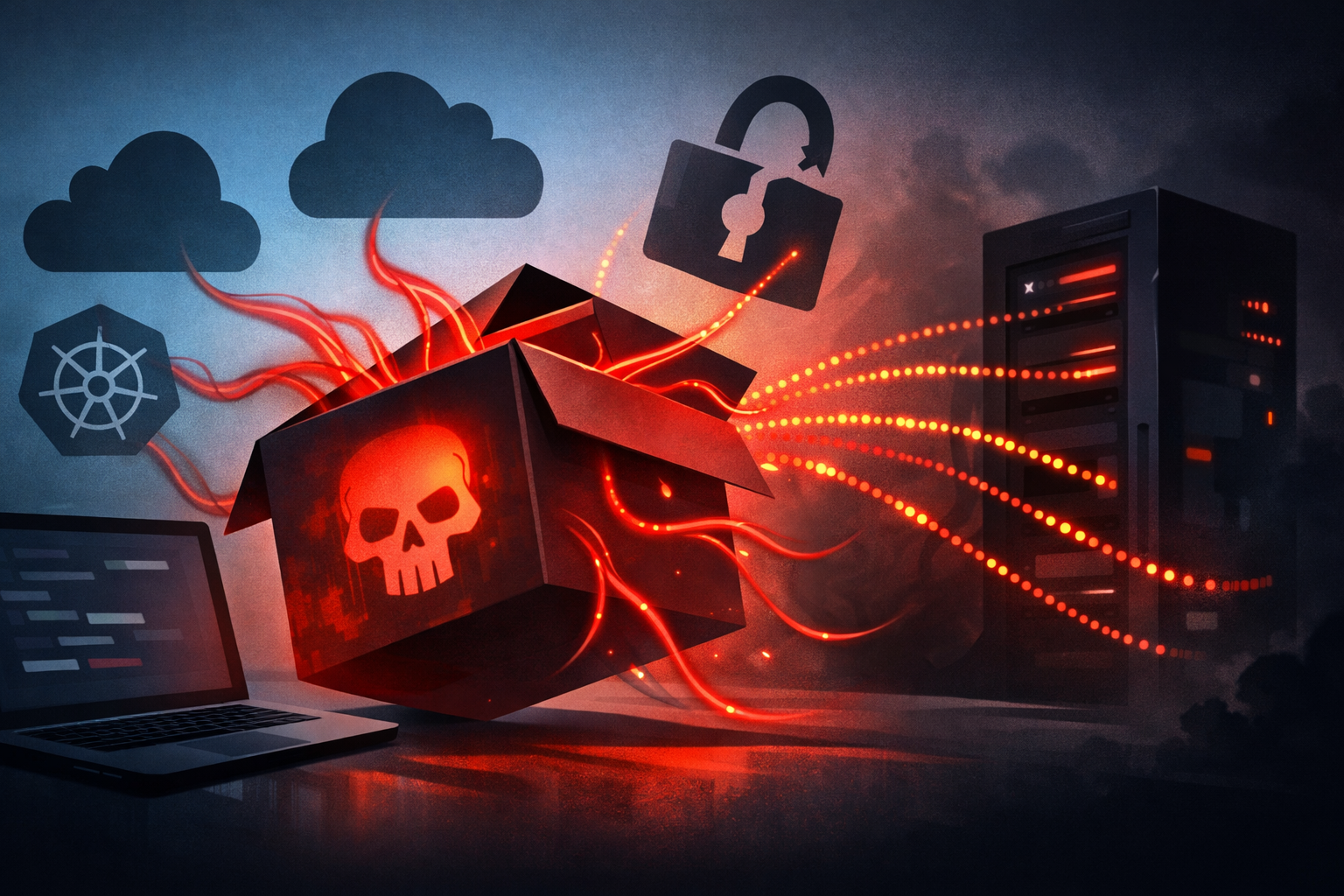
The npm package wave that hit 170 packages is a sharp reminder that dependency compromise is not just a build problem. It is a secrets problem. If a malicious package runs during install on a developer laptop or in CI, it can probe for GitHub, AWS, and Kubernetes credentials before your app ever starts.
What happened in the 170-package npm wave
The pattern is familiar: packages get altered or replaced, then the attacker leans on normal npm lifecycle behavior to run code during installation. That code does not need to be clever. It only needs enough reach to inspect the environment, read common config files, and ship anything useful back out.
The important part is the target set. GitHub tokens, AWS credentials, and kubeconfig files are exactly what many engineers leave available on workstations and pipelines because they make daily work easier. That convenience becomes the attack surface.
A compromised dependency does not need runtime access to your app. Install-time execution is often enough to steal secrets from the machine that builds or tests it.
How malicious npm packages become credential thieves
Install-time execution and why npm scripts matter
npm packages can execute preinstall, install, and postinstall scripts. That is useful for legitimate native builds, but it also gives attackers a hook that fires automatically.
A minimal malicious package can do three things:
- enumerate environment variables,
- read well-known files in the user profile,
- send results to a remote endpoint.
That is enough to pull secrets from a developer shell, a CI runner, or a container image build step.
// Example of the kind of behavior defenders should look for.
const fs = require("fs");
const os = require("os");
const path = require("path");

const targets = [
  path.join(os.homedir(), ".git-credentials"),
  path.join(os.homedir(), ".kube", "config"),
  path.join(os.homedir(), ".aws", "credentials"),
];

for (const file of targets) {
  if (fs.existsSync(file)) {
    const data = fs.readFileSync(file, "utf8");
    console.log("exfil candidate:", file, data.length);
  }
}
What attackers look for on developer machines
Attackers usually go after the paths that give the most reuse:
.npmrcfor registry tokens~/.git-credentialsand Git credential helpers~/.aws/credentialsand environment variables likeAWS_ACCESS_KEY_ID~/.kube/configfor cluster access- cloud metadata endpoints in CI or container environments
They also tend to inspect common process variables because CI systems leave a lot of state in the environment. The machine is the prize, not the application.
The credential types at risk
GitHub tokens and Git credentials
GitHub tokens are attractive because they often have broad repo access, package publish rights, or workflow write permissions. If a machine has a personal access token in a config file, the attacker can pivot into private repositories or poison future builds.
Git credentials are just as bad when they are stored long-lived. A stolen credential can expose source, secrets in history, and CI configuration that reveals more tokens.
AWS environment variables and CLI profiles
AWS access keys on developer laptops are common and dangerous. If a package grabs AWS_ACCESS_KEY_ID, AWS_SECRET_ACCESS_KEY, or AWS_SESSION_TOKEN, the attacker may get exactly the rights the engineer uses for daily work.
If the environment also has a local CLI profile, the package may not need to search far. A simple read of the standard credentials file is enough.
Kubernetes kubeconfig and cluster access
A kubeconfig file can be more sensitive than a cloud key because it often contains direct cluster admin access or a path to certificates and tokens. Once stolen, it can expose workloads, secrets, and internal services.
That makes npm supply chain attacks especially dangerous in organizations where developers can reach production-like clusters from their laptop.
How to test whether your environment is exposed
Check package provenance and transitive dependencies
Start with the dependency tree, not just direct dependencies. The compromised package is often buried a few levels down.
npm ls --all
npm audit
npm view <package> version dist-tags repository
Look for packages you do not recognize, version jumps you did not approve, and dependencies with unusually broad install scripts.
Inspect install scripts and postinstall hooks
Open package.json files and search for lifecycle scripts:
grep -R "\"preinstall\\|\"install\\|\"postinstall" node_modules package-lock.json
If a package needs scripts for a native build, verify that behavior against its source and release notes. A script that downloads binaries, scans environment variables, or touches home-directory files deserves immediate scrutiny.
Hunt for secret-access behavior in CI and workstations
On CI runners and developer machines, look for processes that:
- read
~/.aws/*,~/.kube/config, or.npmrc - call out to unknown domains during install
- spawn shell commands from dependency code
- access Git config or credential helpers unexpectedly
If you already collect endpoint telemetry, search for npm-related processes opening credential files soon after npm install.
Practical defenses that actually reduce blast radius
Lock down package installation paths
Use lockfiles, pinned versions, and internal approval for dependency changes. Do not let arbitrary install scripts run in every environment by default.
Where possible, separate package fetching from builds, and run installs in minimal containers with no host credentials mounted.
Reduce long-lived credentials on developer laptops
This is the biggest practical win. If the laptop does not have durable cloud keys, a malicious package has less to steal.
Prefer:
- short-lived sessions
- credential helpers that mint tokens on demand
- scoped tokens per task
- separate accounts for daily work and privileged operations
Use scoped, short-lived cloud and GitHub access
GitHub fine-grained tokens, AWS session credentials, and workload-specific kube access all reduce the damage from a compromise. If a token leaks, it should expire quickly and do one job.
Treat developer machines like semi-trusted systems. Give them enough access to work, not enough access to survive a theft.
Detection and response checklist
- Revoke GitHub tokens, AWS keys, and kube credentials used on affected machines
- Review recent package installs and lockfile changes
- Search CI logs and endpoint telemetry for install-time network traffic
- Rotate any credentials stored in
.npmrc,.aws/credentials, or kubeconfig files - Rebuild from trusted sources and redeploy if the affected machine touched release artifacts
- Check for unauthorized package publishes or repository writes after the compromise
Conclusion
The lesson from this npm wave is not “avoid npm.” It is “assume dependency install is code execution.” If your developer laptops and CI runners carry long-lived cloud and GitHub credentials, a poisoned package only needs one clean install to become a real incident.
The fix is not one control. It is smaller blast radius: fewer long-lived secrets, tighter install paths, and better visibility into what runs during dependency setup.