Dissecting the Laravel-Lang Malicious Update: Silent Exfiltration of Secrets
What the Laravel-Lang incident appears to be
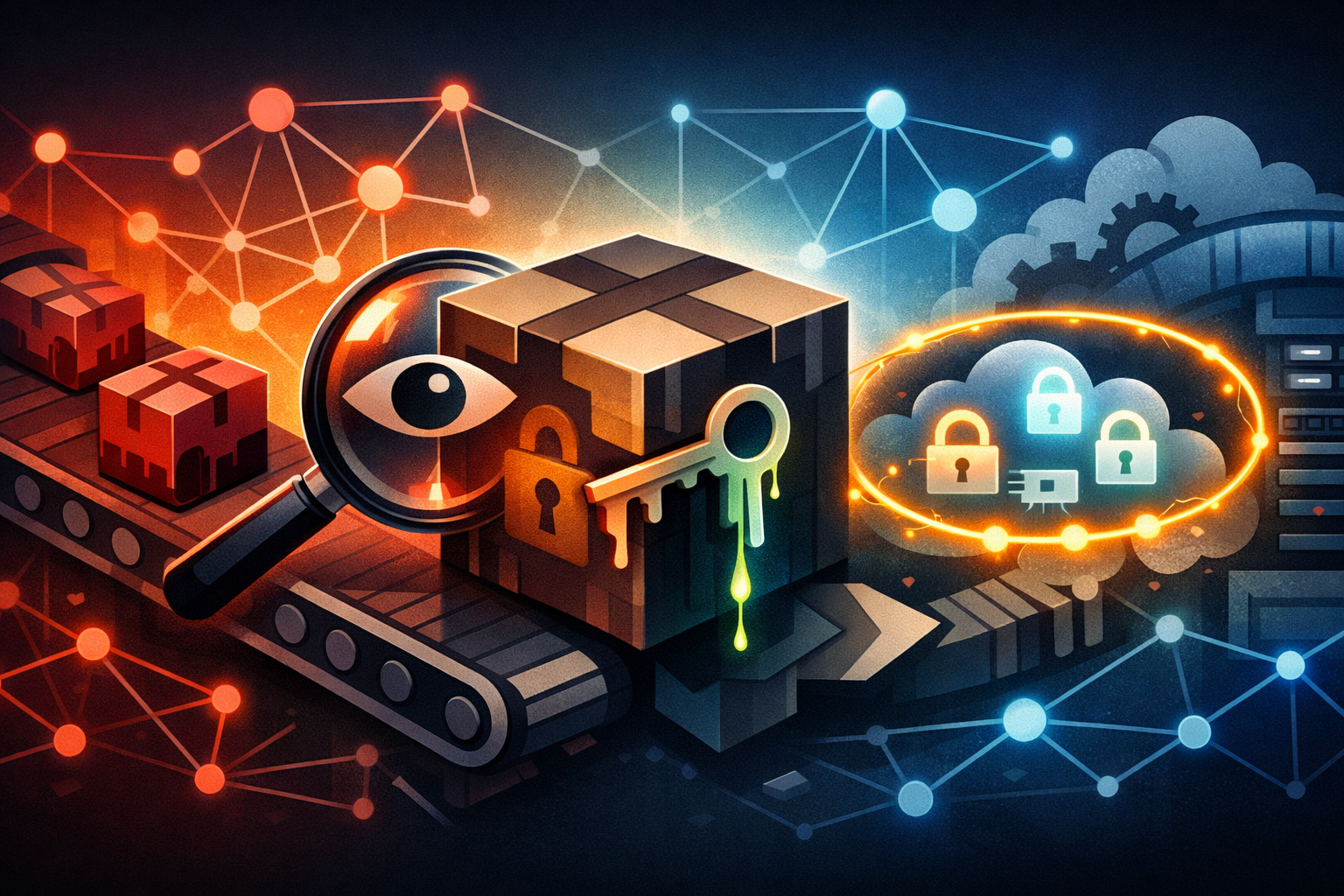
The public report I could verify points to a supply-chain compromise involving Laravel-Lang packages, where a malicious update carried a credential-stealing payload. That makes the incident less about one bad release and more about how normal-looking dependency updates can quietly exfiltrate secrets.
A translation package does not feel risky. It is not on the network edge, it does not handle payments, and it usually is not the first place people look for malware. That is exactly why it is useful to an attacker: if enough Laravel projects trust the package, a bad release can land on developer laptops and CI runners with very little friction.
What the report confirms and what should stay framed as uncertain
The source material supports a malicious package update and credential theft. It does not, by itself, provide enough detail to name the exact files touched, the exfiltration endpoint, the affected version range, or the precise secret-hunting logic. So those parts should stay careful.
What seems solid is this:
- a Laravel-Lang package release was reported as malicious
- the malicious behavior involved credential theft
- the event matters as a supply-chain compromise, not just a single-package anomaly
What should stay uncertain unless you have the original advisory in front of you:
- the exact package names and versions
- whether the payload executed during install, through autoload, or in a post-install hook
- the exact collection and exfiltration method
- the full list of credentials targeted
That uncertainty matters because overconfident incident summaries lead to sloppy response. In a supply-chain event, the safer assumption is not “this only touched one package version” but “anything installed from the affected release window deserves review.”
Why a translation package can still become a high-value supply-chain target
A package does not need to run your application code to be useful to an attacker. It only needs to reach a trusted machine at the right time.
Laravel projects are attractive because they often sit in environments with real credentials nearby:
- local
.envfiles on developer machines - GitHub, GitLab, or Bitbucket tokens
- cloud credentials in shell profiles or SDK config
- SSH keys used for deploy or access
- CI secrets cached in runners or workspace directories
- private registry tokens for Composer or npm
If the compromised package runs during install or update, the attacker gets a chance to act before the project even starts.
Where the malicious update fits into a Composer workflow
Composer is convenient, and that convenience is where the risk hides. A package update is not just a download. It can include dependency resolution, script execution, autoload generation, and filesystem writes. That gives a malicious package a few different places to blend in.
How package installation, scripts, and autoloading expand the attack surface
A normal Composer flow looks like this:
composer installorcomposer updatefetches package metadata- Composer downloads archives or clones source
- Dependency scripts may run
- Autoload files are generated
- Your application starts using the installed code
The dangerous part is that a package author can put logic in more than one place. The obvious one is package PHP files that the app later loads. The less obvious ones are Composer scripts and plugin hooks, which can run during installation. That means the compromise does not need a route hit, a cron job, or a deployed app to start doing damage.
In practice, the attack surface often includes:
post-install-cmdpost-update-cmd- Composer plugins
- package
autoloadpaths that load automatically - generated files that your app includes on boot
If a malicious update lands in any of those paths, it can read local files, inspect environment variables, and make outbound requests without looking much different from normal tooling.
Why developer laptops and CI runners often contain secrets worth stealing
This is the part teams tend to underestimate. Attackers do not need production access first. Developer machines and CI runners are usually easier, and they still hold high-value secrets.
On a typical Laravel team machine, I would expect some mix of:
.envfiles for local testing- credentials for staging databases
- access tokens for package registries
- Git credentials and signing keys
- cloud CLI profiles
- SSH keys for deployment or admin access
- browser-stored session tokens, depending on the workstation setup
CI runners can be even richer targets because they often have:
- deploy tokens
- artifact signing keys
- cloud role assumptions
- registry publish credentials
- access to private repositories and internal APIs
That means a malicious Composer install can become a bridge from “just a translation update” to “now we have enough to move laterally.”
Reconstructing the payload behavior
Because the public report does not include the full payload, the useful way to think about it is by behavior pattern. Credential stealers in package ecosystems usually follow a familiar workflow.
What a secret-stealing package usually looks for on disk
A package that wants credentials usually starts with easy filesystem targets. It does not need to be clever if the machine already has secrets in standard places.
Common targets include:
.envand.env.*files.git/configand Git credential helpers- SSH private keys in
~/.ssh/ - cloud SDK config directories
- Docker config files like
~/.docker/config.json - Composer auth files such as
auth.json - browser or desktop app token stores, if the attacker is ambitious
A more careful stealer also looks for project-specific clues:
APP_KEY- database DSNs
MAIL_*credentials- Redis passwords
- API keys for payment, SMS, or storage services
- CI variable exports inside workspace files
The goal is not just to grab one secret. It is to collect enough tokens to expand access later.
How exfiltration can hide inside ordinary dependency traffic
Exfiltration does not need to look exotic. That is one reason supply-chain malware is so annoying to spot in the wild.
A malicious package can hide its traffic by:
- sending data over plain HTTPS
- posting small JSON payloads to what looks like an analytics endpoint
- delaying requests so they blend into installer noise
- batching secrets and sending them once, after install
- reusing existing vendor libraries so the network stack looks normal
From a defender’s perspective, this means “the install completed successfully” is not proof of safety. A package can finish installing and still have already made a quiet outbound request.
If you are hunting this on a workstation or runner, the useful questions are:
- Did the install process read files it should never touch?
- Did it make outbound requests to unfamiliar hosts?
- Did it run when no application code was executing?
- Did a dependency update line up with new credential use elsewhere?
Those are a lot more actionable than trying to inspect every PHP file by hand after the fact.
Which secret types matter most in Laravel and PHP projects
Laravel projects tend to expose a pretty predictable set of secrets. If I were scoping blast radius after a compromised package install, I would check these first:
| Secret type | Why it matters | Typical consequence |
|---|---|---|
Application .env values | Often contains database, mail, cache, queue, and third-party API credentials | Backend and integration compromise |
APP_KEY and related app secrets | Used to sign or decrypt application state | Session and token abuse, depending on app design |
| Cloud access keys | Often grant infrastructure or storage access | Data access, deployment abuse, or resource creation |
| Git host tokens | Can access private repos and CI config | Source code theft and pipeline compromise |
| Composer auth tokens | Can publish or pull private packages | Further supply-chain contamination |
| SSH deploy keys | Often reach staging or production servers | Direct server access or unauthorized deploys |
The exact impact depends on how the team set things up, but the pattern is consistent: one compromised install can expose several systems, not just one application.
Why this compromise is dangerous even without app-server access
One mistake I see in incident discussions is treating developer compromise as a smaller event than production compromise. That is not how blast radius works.
The difference between stealing from a developer workstation and attacking production directly
If an attacker lands on a production server, the damage is obvious and limited by that server’s access. If they land on a developer workstation or CI environment, they may get a wider set of credentials and a quieter window to use them.
A workstation often has:
- interactive login access to cloud consoles
- repository read/write access
- deployment tooling
- test databases or staging environments
- browser sessions with elevated app access
A CI runner often has:
- automation credentials that bypass normal human approval flow
- deployment permissions
- signing or publication rights
- secrets that are valid across multiple environments
So the compromise path is not “workstation equals less serious.” It is often “workstation equals easier first step into everything else.”
How one compromised dependency can expose multiple downstream systems
A single malicious dependency can fan out quickly if the stolen secrets are reused or broadly scoped.
For example:
- a Git token reveals source code and deployment config
- the source code reveals more credentials and infrastructure endpoints
- a cloud token reaches storage buckets or secrets managers
- a CI token lets the attacker modify pipelines or publish artifacts
- a deploy key reaches production hosts or staging environments
That is why dependency supply-chain security is not just about package integrity. It is about trust propagation. A package update on a local machine can become a pivot into source control, CI, cloud infrastructure, and production.
How to check whether your project was exposed
If you installed the affected package version, or even if you are not sure, I would treat this as a real review exercise rather than a quick shrug. The goal is to figure out whether the malicious release ever ran on a machine with valuable secrets.
Audit composer.lock, installed package versions, and release timestamps
Start with the obvious artifacts.
- Inspect
composer.lockfor Laravel-Lang entries. - Check the installed version against the reported malicious release window.
- Compare the install or update date against workstation and CI logs.
- Review package manager caches if they still exist.
Useful commands are straightforward:
composer show -i | grep -i lang
git log --date=iso -- composer.lock
grep -n '"name": ".*lang' composer.lock
If you have multiple workspaces or build images, repeat the check across all of them. Supply-chain incidents often hide in stale caches and old runner images, not just the current branch.
Look for suspicious package changes in VCS history and dependency caches
I would also review repository history around dependency updates.
Things worth checking:
- lockfile diffs that introduced the package version
- unexpected changes to
composer.json - new Composer scripts or plugin references
- vendor directory changes in build artifacts
- cached archives under Composer’s cache directory
If your build system stores artifacts, inspect those too. A package can be removed from current code while still living inside old container layers, cached archives, or archived workspaces.
A practical trick: compare the package archive hash from your cache against a known-good release, if one is available from the maintainer or a trusted registry mirror. If the hash changes unexpectedly, treat that as a strong signal.
Hunt for unexpected outbound requests, file reads, and token use
If the malicious package ran, host telemetry becomes the next source of truth.
Look for:
- outbound HTTPS requests during
composer installorcomposer update - PHP or shell processes reading
.env, SSH keys, or auth files - unusual DNS lookups from installer processes
- tokens that were used shortly after the suspicious install
- failed login attempts or API calls from unknown locations
On Linux hosts, shell history and audit logs can help. In CI, pipeline logs and runner telemetry are often better. On macOS and Windows developer machines, endpoint monitoring may be your best evidence.
A useful mental model is: if the install process touched a secret file, assume the secret was exposed unless you can prove otherwise.
Defensive steps for Laravel and Composer projects
This kind of event is a good reminder that Composer deserves the same review discipline you already apply to application code.
Pin dependencies tightly and review lockfile changes like code
The lockfile is not an implementation detail. It is part of your trusted supply chain.
Good habits:
- review lockfile diffs in pull requests
- pin dependency ranges tightly where practical
- avoid unbounded
*or loose major ranges for sensitive projects - use trusted mirrors or registries where appropriate
- keep an internal allowlist for packages that are allowed to update automatically
If a translation package suddenly changes behavior or ownership patterns, that should be treated like a code review event, not a maintenance chore.
Restrict Composer plugins and scripts to trusted packages only
Composer plugins and scripts are useful, but they should not get a free pass.
Defensive steps:
- disable unnecessary plugins in automated environments
- review
scriptssections incomposer.json - limit who can add or update dependency automation
- isolate install steps in CI so they do not have broad filesystem or cloud access
- run dependency installation with the least privilege possible
This does not remove package risk, but it does cut down the number of places a malicious update can execute from.
Keep production secrets out of local dev environments when possible
A compromised workstation is much smaller if it does not contain production credentials.
Practical changes:
- use separate local and production
.envfiles - avoid putting long-lived production secrets on laptops
- use staging-only tokens for day-to-day development
- prefer secret managers over copied flat files
- expire local credentials quickly
The best secret is the one the attacker cannot find on disk.
Separate CI credentials, short-lived tokens, and deploy keys by job
CI should not be one giant vault full of permanent access.
Better patterns:
- use per-job credentials
- scope tokens to the minimum repository or environment
- prefer short-lived OIDC or workload identity flows
- isolate build, test, and deploy steps
- prevent dependency install jobs from seeing deploy secrets at all
If a malicious dependency runs during resolution, it should not be sitting in the same environment as your production deploy token.
Detection and response if you installed the bad update
If you know the package ran on one of your systems, do not treat it like routine cleanup. This is an incident response problem.
Rotate credentials that may have lived on the affected machine
Start with the secrets most likely to have been exposed.
Prioritize rotation of:
- Git provider tokens
- cloud provider credentials
.envsecrets for apps hosted on the machine- SSH keys used for deploy or admin access
- Composer, npm, or private registry auth tokens
- CI variables and service account credentials
If a secret was available in plaintext or in a standard config path, assume it is compromised.
Preserve logs, package artifacts, and shell history before cleanup
Before you wipe anything, preserve evidence.
Keep copies of:
- Composer logs
- install and update logs
- shell history
- CI job logs
- package caches
- suspicious vendor archives
- endpoint or proxy logs
You may not need every artifact right away, but once you clean the machine, you rarely get the same visibility back. In a supply-chain case, timeline matters.
Scope the blast radius across Git hosting, cloud, package registries, and CI
Then work outward from the affected machine.
Ask these questions:
- Were any private repositories accessed after the install?
- Did any cloud secrets get used from a new location or at an odd time?
- Did the CI system publish anything unusual?
- Were new tokens created, scoped differently, or last used around the incident window?
- Did any package registry activity happen from an unexpected identity?
A bad update on one laptop can become a compromised repo, and a compromised repo can become a compromised pipeline. The safest response is to trace credential use forward and backward from the install window.
What maintainers and consumers should do next
This kind of incident is not solved by one patch. It is solved by tightening the trust model around updates.
Improve release hygiene, provenance, and review around dependency updates
Maintainers should make it harder for a malicious release to slip through unnoticed:
- require stronger release approvals for sensitive packages
- use signed tags or release provenance where possible
- separate maintainer identities from automation credentials
- watch for unusual release cadence or ownership changes
- verify that publishing accounts are protected with MFA
Consumers should also prefer packages with clear maintenance practices. That is not a guarantee, but it lowers the chance of silent release abuse.
Add dependency monitoring and alerting for unusual package behavior
Teams can catch a lot if they watch the right signals:
- dependency update alerts
- lockfile diff reviews
- outbound network monitoring on build hosts
- file access alerts for
.env, SSH keys, and auth files - process execution monitoring during package installs
- unusual token use immediately after dependency changes
A package manager is not just a downloader. It is a potential execution path. Treat it that way.
Closing takeaways for supply-chain defense
The practical lesson here is simple: dependency installs are trust decisions, not routine commands.
A translation package can become a high-value target because it reaches systems full of secrets. Composer can turn that package into an execution event. A quiet malicious update can therefore steal credentials before your application ever starts.
If you run Laravel or any PHP project with serious secrets nearby, I would use this incident as a prompt to do three things right away:
- review which machines can access which secrets
- tighten what Composer is allowed to execute
- rotate anything that may have been present during suspicious installs
The key question is not just whether the bad package is gone. It is whether your workflow still lets the next one do the same thing.