Detecting Indicators of Compromise in Third-Party Integrations
What the incident changed for defenders
The useful part of this incident is not just that a third-party AI tool was compromised. It is that the attacker turned a small foothold into access across identity, cloud tooling, and environment variables without needing a noisy exploit.
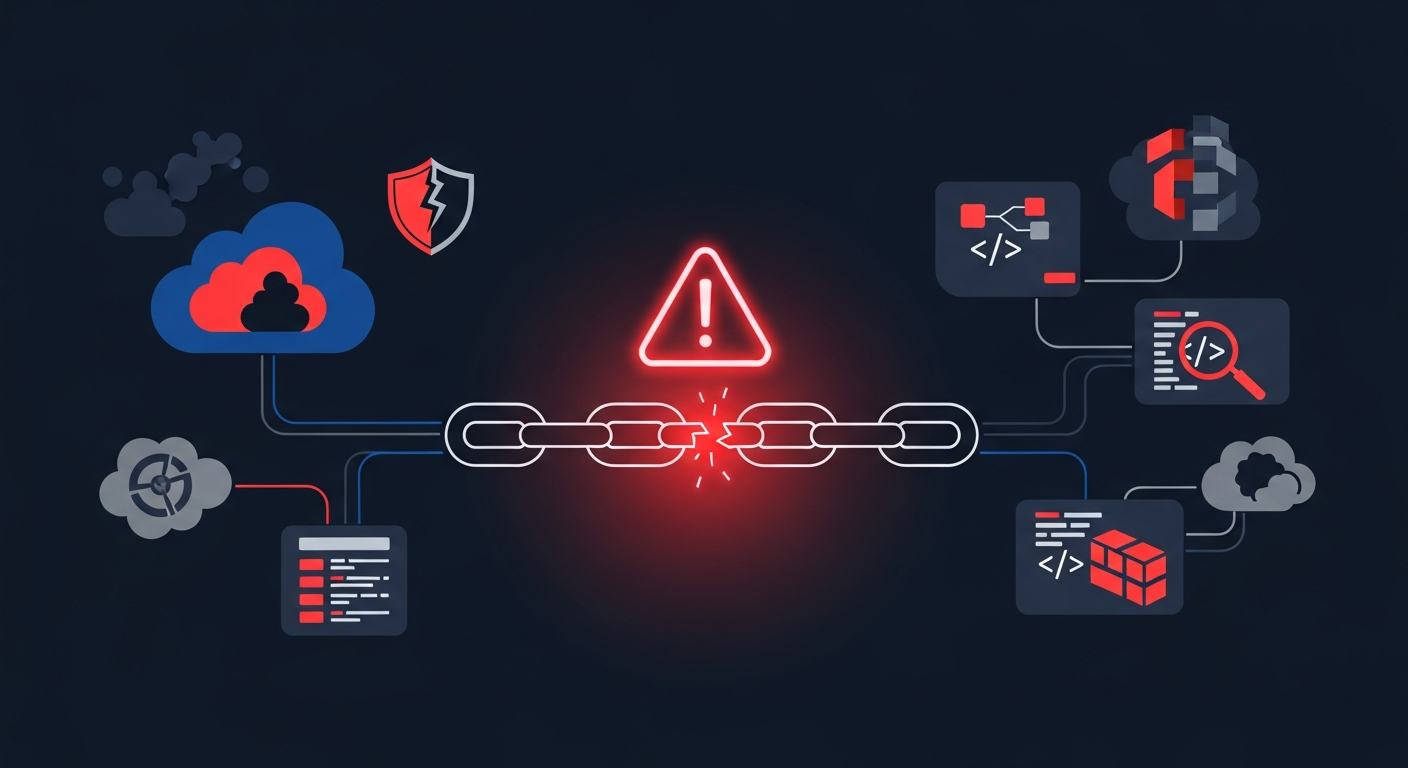
Vercel's bulletin lays out the chain clearly: a compromised Context.ai OAuth app led to takeover of a Vercel employee's Google Workspace account, then the employee's Vercel account, then a Vercel environment, and finally enumeration and decryption of non-sensitive environment variables. That is the path defenders should model in reviews.
The main lesson for JavaScript-heavy teams is straightforward: third-party app access is identity access, and identity access is often enough to reach build and deployment systems.
How the compromise started
Third-party AI tool access and OAuth risk
The origin matters because this was not an endpoint malware story. It was an OAuth app compromise.
Vercel said the incident started with Context.ai, a third-party AI tool used by a Vercel employee. The attacker gained control of that tool's Google Workspace OAuth app and used it to reach the employee's individual Google Workspace account. That is the kind of chain you need to check whenever a tool can read mail, tokens, calendars, or docs.
If a third-party app can authenticate into your identity provider, then compromise of that app can become compromise of the user. From there, the attacker does not need to “hack Vercel” in the classic sense. They just need the same session and permissions a real employee already has.
Why a single employee account mattered
A single employee account was enough because internal platforms usually trust authenticated users too broadly by default.
In this case, that account was the bridge into Vercel. Once the attacker controlled it, they could pivot into a Vercel environment and work from there. That is why account inventory matters as much as host inventory. One account with too much reach can become the shortest route from an external SaaS compromise to production-adjacent data.
The path from account takeover to environment access
Pivoting through Google Workspace and Vercel
The technical pattern is familiar even if the incident chain is new:
- Compromise a third-party app.
- Abuse the app's OAuth access to take over a workspace identity.
- Use that identity to authenticate to the next platform.
- Move laterally using legitimate API surface area.
Vercel said the attacker showed deep understanding of their product API surface and moved quickly. That usually means the attacker was not guessing blindly. They were enumerating what the platform exposed, then testing which actions were permitted under the compromised identity.
Enumerating and decrypting non-sensitive environment variables
The end goal was environment data, but the bulletin is careful about scope: non-sensitive environment variables stored on Vercel and decryptable to plaintext were compromised.
That distinction matters operationally. “Non-sensitive” does not mean “safe.” If a value decrypts to plaintext and can be read by a compromised account or API flow, treat it as exposed until proven otherwise.
In practice, those variables can still be enough to reach production systems if they contain API keys, tokens, database credentials, or signing keys. The incident response rule is to rotate first, classify later.
Using indicators of compromise in your own review
Check OAuth app usage and account grants
Start with the obvious IOC from the bulletin: the OAuth client ID Vercel published for the compromised app.
Google Workspace admins and Google Account owners should check whether that app was granted access in their tenant. Look for unusual consent grants, recently authorized third-party tools, and users who should not have installed an AI assistant in the first place.
If you manage a SaaS estate, keep a list of approved apps. Anything outside that list gets reviewed before it is allowed to touch mail, drive, or identity data.
Correlate activity logs with environment variable reads
The interesting part is correlation, not any one log line.
Review:
- Google Workspace sign-in and OAuth grant events
- Vercel activity logs
- environment variable read events
- deployment history around the same window
You are looking for a sequence like: new OAuth grant, new login from an unusual context, environment access, then an odd deployment or config change. If you have CLI-accessible logs, export them before you start cleaning up accounts.
Look for suspicious deployments and unexpected admin actions
Vercel also recommended checking recent deployments for anything suspicious and deleting deployments in doubt. That is good advice because compromise often leaves behind one of two traces: a deployment you did not expect, or a config change you cannot explain.
For teams with multiple environments, check for:
- deployments from unfamiliar actors
- changes to deployment protection
- token rotation you did not authorize
- environment variable edits near the incident window
What Vercel said was and was not affected
No evidence of tampered npm packages
Vercel said that, in collaboration with GitHub, Microsoft, npm, and Socket, it confirmed no npm packages published by Vercel were compromised.
That is the key supply-chain clarification. This was not a package tampering event, and there was no evidence the public npm ecosystem was altered through this incident.
Separate compromise cases outside the April incident
Vercel also said it found a small number of additional compromised accounts, plus a separate set of accounts that showed signs of compromise not tied to the April incident.
For defenders, that means you should not assume one root cause explains every strange account event you find. Separate compromise cases may point to independent credential theft, not a single cascading breach.
Immediate defensive actions
Enforce MFA and prefer passkeys or authenticator apps
If a platform allows it, require MFA everywhere. Vercel specifically called out passkeys and authenticator apps.
SMS is not the point here. The point is reducing the chance that a stolen OAuth path or reused password turns into direct account access.
Rotate secrets before deleting projects or accounts
This one is easy to get wrong: deleting a project or account does not clean up leaked secrets.
If a token, signing key, or database password may have been exposed, rotate it before teardown. Otherwise, an attacker can still use the old credential against production systems even after the visible account is gone.
Treat non-sensitive variables as exposed until proven otherwise
Do not rely on a “non-sensitive” label as a defense boundary. If an attacker could read it, it is a secret candidate until your review proves otherwise.
That means:
- rotate anything with external access value
- remove embedded credentials from env vars where possible
- move true secrets behind a dedicated secret manager
- enable sensitive-variable protections where supported
Practical response workflow in JavaScript-heavy teams
Build a checklist for app inventory and secret rotation
I usually keep this workflow tight:
- List every third-party app with workspace access.
- Confirm which apps can read mail, drive, tickets, or deploy systems.
- Identify every environment variable that can reach production.
- Rotate keys that were present during the incident window.
- Revoke unused OAuth grants and deploy tokens.
Capture evidence before cleanup
Cleanup is necessary, but do not erase your own evidence first.
Export:
- OAuth grant history
- sign-in logs
- deployment logs
- environment variable access logs
- timestamps for any rotations or revocations
If you need to explain impact later, those records are what let you separate actual exposure from guesswork.
Conclusion and monitoring priorities
This incident is a good reminder that third-party AI tools are part of your trust boundary whether you like it or not.
For the next review cycle, I would prioritize:
- OAuth app governance
- MFA enforcement
- environment variable auditing
- deployment log review
- rapid secret rotation playbooks
The attacker did not need a zero-day in the browser or a supply-chain poisoning event to get useful access. They found the shortest identity path and used legitimate platform features against the target. That is the pattern worth defending against.