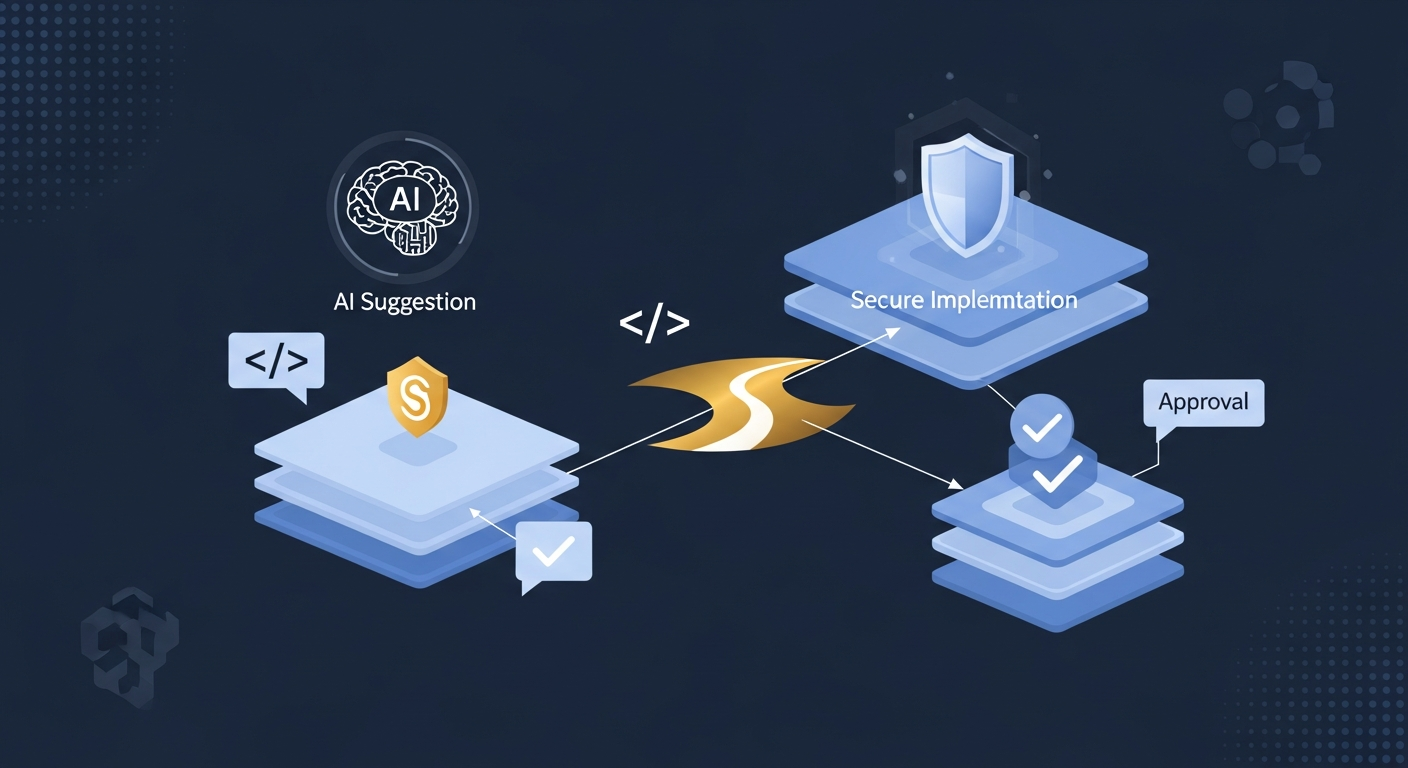
Creating a Secure 'Golden Path' for AI-Assisted Development
Why a Golden Path Matters for AI-Assisted Development
The risk with AI-assisted development is not that the model writes bad code. The real problem is that it writes code faster than your process can inspect it.
If you let a chatbot touch repo files, run tests, open pull requests, and trigger deployments without a hard boundary, you have effectively built a second build pipeline. That pipeline usually starts with no ownership, no policy, and no audit trail.
A secure golden path gives the team one approved way to use AI tools. Anything outside that path should either be blocked or pushed back into normal human review.
Define the Allowed Workflow Before You Add Tools
I usually start by writing down what the model is allowed to do, not what it can do.
What developers can and cannot ask the model to do
Allowed:
- explain code
- draft isolated functions
- suggest tests
- summarize diffs
- generate migration scaffolding
Not allowed:
- change production config directly
- create credentials
- bypass branch protection
- push to release branches
- run arbitrary shell commands on a developer machine without review
That boundary matters because tool access tends to expand quietly. A harmless code assistant becomes a repo operator the moment you connect it to write access.
Where human review is mandatory
Make review mandatory for:
- file writes outside a scratch branch
- dependency updates
- auth, billing, or permission logic
- CI and deployment config
- anything that touches secrets or infrastructure
If the model can open a PR, that PR still needs the same review rules as a human-authored change.
Separate Safe Assistance From Unsafe Automation
The easiest mistake is to treat every AI feature as one category. They are not the same.
IDE autocomplete and code drafting
Autocomplete and inline drafting are usually the lowest-risk layer. They help a developer move faster, but they should not get direct access to production systems.
Good uses:
- local refactors
- boilerplate generation
- test case drafting
- explaining unfamiliar code
Bad uses:
- auto-committing changes
- auto-fixing security failures without review
- auto-running destructive commands
Repo changes, CI actions, and deployment permissions
Once the tool can write files, trigger CI, or request deployment, the trust level changes. At that point, you need explicit permission boundaries.
A practical split looks like this:
| Capability | Risk level | Control |
|---|---|---|
| Local code suggestions | Low | Developer approval |
| Branch edits | Medium | Branch protection |
| CI job triggers | High | Scoped service account |
| Deployments | Very high | Manual approval gate |
The lesson here is simple: the model can suggest; the pipeline should decide.
Put Policy Checks in the Path, Not in a Wiki
A policy that only exists in a document is advice. A policy enforced in the workflow is control.
Branch rules, secret scanning, and dependency guardrails
Use branch protection, required reviews, and status checks for every AI-assisted change. Add secret scanning before merge, not after incident response.
For dependencies, pin versions and require lockfile review. AI tools are good at suggesting packages that look right and are wrong in practice.
Prompt and output logging for auditability
If the assistant helps create code that ships, log enough context to explain what happened later:
- prompt summary
- files touched
- generated diff
- human approver
- CI result
You do not need full prompt bodies for every case. You do need enough metadata to reconstruct why a risky change landed.
Technical Controls That Actually Reduce Risk
Least privilege for AI tools and service accounts
Give AI tooling the smallest useful access. A code assistant does not need org admin rights. A test runner does not need deployment credentials.
Use separate identities for:
- local development assistance
- PR creation
- CI execution
- release automation
If one identity is compromised, the blast radius stays small.
Sandboxed execution for generated code and tests
Generated code should run in a sandboxed environment with no long-lived secrets. That means ephemeral containers, read-only defaults, and explicit mounts only when needed.
A good test harness denies:
- outbound network by default
- host filesystem access
- shell access beyond the test command
- secret environment variables unless required
This reduces the damage if the model produces unsafe commands or if a dependency behaves badly during tests.
Approval gates for file writes, merges, and releases
Approval gates are not ceremony. They are the point where a human checks whether the model drifted from the task.
Use separate gates for:
- writing files to the repo
- merging to protected branches
- cutting releases
- pushing to production
Do not collapse all of those into one “approved once” step. The risk is different at each stage.
A Practical Reference Workflow in JavaScript
Safe request flow from prompt to pull request
A simple pattern is: prompt in, diff out, review before merge.
const policy = {
  allowedFiles: [/^src\//, /^test\//],
  forbiddenFiles: [/^\.env/, /secrets?/i, /^infra\//],
  requiresHumanReview: ["auth", "billing", "permissions", "deployment"],
};

function checkPath(file) {
  if (policy.forbiddenFiles.some((re) => re.test(file))) return false;
  return policy.allowedFiles.some((re) => re.test(file));
}

function needsReview(diffText) {
  return policy.requiresHumanReview.some((term) =>
    diffText.toLowerCase().includes(term)
  );
}

function preparePullRequest({ files, diffText }) {
  const allFilesAllowed = files.every(checkPath);
  const reviewRequired = needsReview(diffText);

  if (!allFilesAllowed) throw new Error("Blocked by path policy");
  return { reviewRequired, status: "ready-for-human-review" };
}
This is not fancy, but it works because it narrows what the assistant can touch.
Example policy checks and enforcement points
Use enforcement where the damage would happen:
| Stage | Check | Reason |
|---|---|---|
| Prompt intake | Classify request | Detect risky tasks early |
| Output review | Diff scanning | Catch secret handling and unsafe commands |
| Pre-commit | Path allowlist | Block sensitive files |
| CI | Dependency and secret scans | Catch hidden supply-chain risk |
| Merge | Required human approval | Keep accountability with a person |
The point is to fail closed. If a check is unavailable, the workflow should stop, not continue silently.
Common Failure Modes
Overtrusting generated code
The model may produce code that looks clean and still miss authorization, validation, or error handling. I have seen that happen most often in glue code, where the logic is short enough to feel safe.
The defense is boring: tests, review, and a rule that generated code does not get special trust.
Letting agents reach production systems
If an agent can query production data, deploy changes, or rotate secrets, it is no longer just assisting development. It is part of the control plane.
Keep production access manual or tightly scoped, and never give an assistant standing credentials it does not need.
Treating governance as a one-time setup
Policies rot. New tools arrive, new repos appear, and someone adds a shortcut that bypasses the original design.
Revisit the golden path when:
- a new model integration ships
- CI changes
- the deployment process changes
- a team wants broader permissions
What Good Looks Like in Practice
A good setup is not complicated. Developers can move quickly, but only through the approved lane.
In practice, that means:
- AI helps write code locally
- the repo accepts changes only through protected branches
- secret and dependency checks run automatically
- sensitive files are blocked by policy
- production access stays separated from development assistance
- every risky change still gets a human sign-off
That combination gives you speed without pretending the model is trustworthy by default.
Conclusion
The secure golden path is really a design choice: make the safe way easy, and make the unsafe way hard.
If your AI tooling can draft code but cannot quietly merge, deploy, or touch secrets, you have reduced the risk to something your normal engineering process can handle. If it can do all of those things, you do not have a golden path. You have automation with a nice UI.