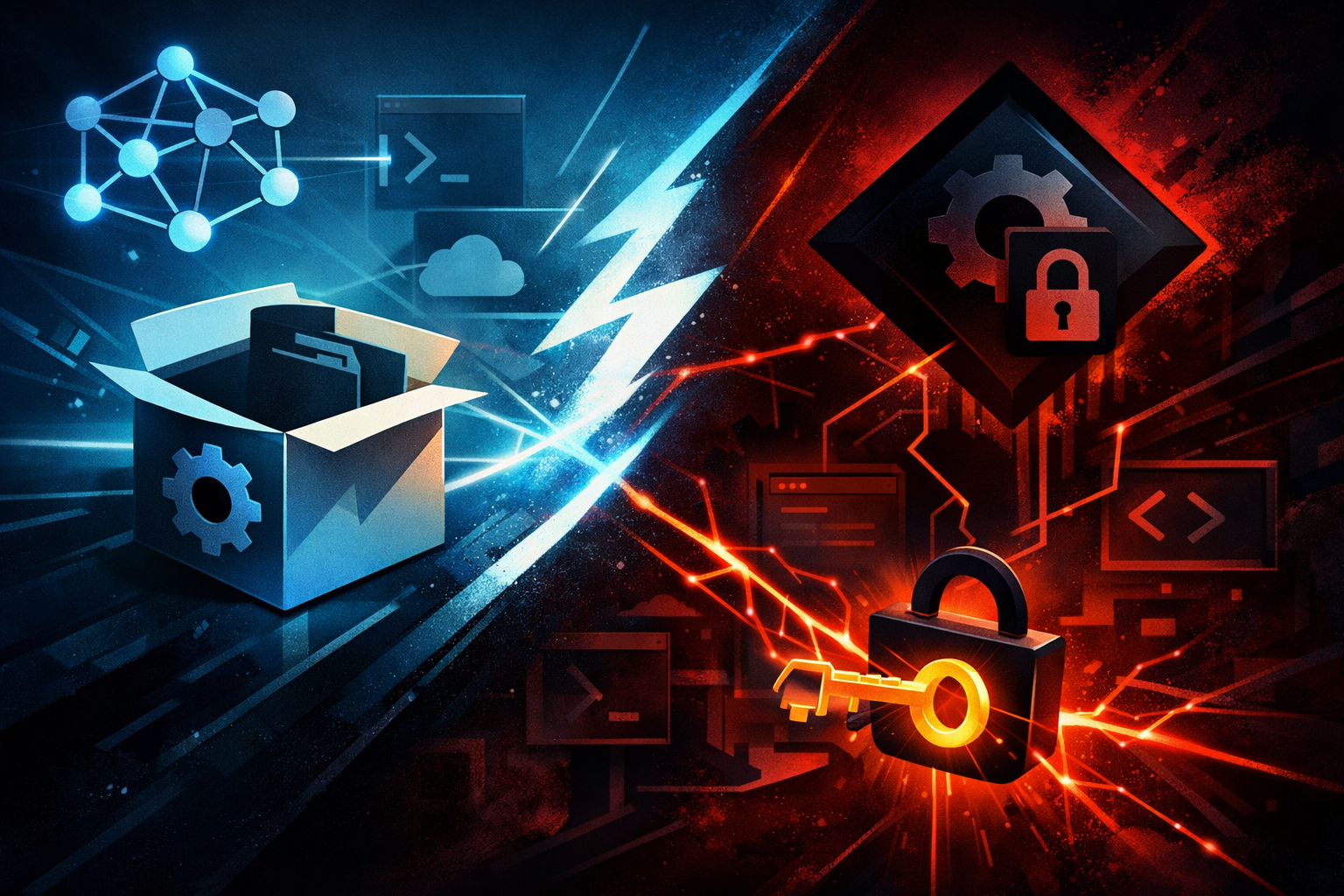
AI Supply Chain Attack: PyTorch Lightning 2.6.2 Ran a JavaScript Credential Stealer on Import
What happened in PyTorch Lightning 2.6.2 and 2.6.3
Versions 2.6.2 and 2.6.3 of Lightning / PyTorch Lightning were reportedly published to PyPI on April 30, 2026 with malicious code embedded. Sonatype said the releases were built to collect developer credentials. Snyk described a payload that used a hidden _runtime directory to fetch Bun and run obfuscated JavaScript behaving like a credential stealer.
That distinction matters. This was not a broken release or a loud proof of concept. The malicious behavior was tied to normal package use, which means the risk starts when a developer or build system imports the library.
Why this package mattered to so many teams
PyTorch Lightning sits in a useful gap between raw PyTorch and a full training stack. Teams use it for training loops, callbacks, checkpointing, distributed runs, and cleaner experiment structure.
That makes it attractive in the worst possible way:
- it gets pulled into notebooks and experiments early
- it shows up in CI and model-training jobs
- it is trusted by data scientists, backend engineers, and platform teams
- it often runs in environments that already contain cloud access and secrets
If a dependency like this goes bad, the blast radius is bigger than one repo. It can spread into notebooks, artifact stores, training clusters, and developer laptops.
Why ML dependencies are attractive supply-chain targets
ML stacks are packed with high-value credentials. In a normal developer environment, I usually expect some mix of:
- browser sessions
- GitHub tokens
- cloud provider credentials
- PyPI or npm publishing tokens
- API keys for LLM services
.envfiles and local config- SSH agents and cloud CLIs
Developer laptops and notebooks are rich targets
Notebook workflows are especially exposed. People test code with broad local access, then copy the same environment into shared clusters. If a package runs code at import time, it can reach the same user context that handles browser profiles, terminals, and synced secrets.
CI runners and training jobs often hold real secrets
CI is not safer by default. Build runners commonly get:
- deployment tokens
- package registry credentials
- container registry secrets
- cloud role credentials
- access to internal artifact buckets
A compromised dependency in that environment can turn a routine test run into a secret-exposure event.
Import-time execution is the dangerous part
The core issue here is not only that the package contained malicious code. It is that the code was meant to run during ordinary import behavior.
Why pip install is not the same as import
pip install is already a trust decision, but it does not always execute the same application code path. import lightning or from lightning import ... can trigger module initialization, setup hooks, and helper logic. That is where a malicious payload can quietly activate.
A quick mental model helps:
| Action | Expected trust boundary | Risk |
|---|---|---|
pip install | package delivery | supply-chain tampering |
import package | code execution in your runtime | secret access, network calls, persistence attempts |
| training job start | shared environment trust | token exposure, CI abuse |
Why a hidden runtime directory is a red flag
A hidden _runtime path is not normal library behavior for a mainstream ML package unless there is a very specific, documented reason. When a package downloads an external runtime and then executes obfuscated code, I stop treating it as a library and start treating it as an active payload delivery path.
That is a major warning sign in any dependency review.
Why a Python package launching JavaScript code is a major warning sign
Python packages do not need Bun unless they are intentionally bridging into a separate runtime. If a package silently pulls in Bun, it suggests the real goal is not Python functionality but flexible execution of whatever code the attacker wants.
That matters because JavaScript payloads are often used to:
- parse browser storage formats
- inspect local profile data
- enumerate environment variables
- reach out to external endpoints
- blend into common web tooling
In other words, the runtime choice lines up with credential theft, not with ML training.
What the reported payload was trying to reach
The reported target set was broad, and that is exactly what I would expect from a credential harvester.
Browser credentials and session data
Browsers are valuable because they hold authenticated sessions, password vaults, cookies, and cached identities. If an attacker can get into that space, they may not need your password at all.
Cloud tokens, GitHub tokens, and environment files
The other obvious targets are environment files and tokens used in automation. These are often present in local shells, CI jobs, and notebook hosts. Once a token is exfiltrated, the attacker does not need the original package anymore.
If you installed 2.6.2 or 2.6.3, what to check now
Version inventory and lockfiles
Start by confirming whether the bad versions were installed anywhere.
- check
requirements.txt,poetry.lock,uv.lock,Pipfile.lock, and container images - search notebooks, Dockerfiles, and CI definitions
- check transitive pulls if Lightning came in through another package
If you have artifact retention, inspect historical builds too. The malicious version may already be baked into an image or cached wheel.
Logs, secrets, and token rotation
Assume exposure if the package ran in a context with secrets available.
- rotate GitHub, cloud, and registry tokens
- expire temporary cloud credentials
- review CI logs for unusual outbound requests or unexpected process launches
- check browser and workstation signs of session abuse
Clean rebuilds and environment isolation
If the affected environment is important, do not patch in place and hope for the best.
- rebuild from a clean base image
- reinstall from verified, known-good versions
- clear caches and wheel artifacts
- separate notebook workspaces from production credentials
Why a brief malicious release still counts as real exposure
A package does not need to stay malicious for long to cause damage. One short-lived malicious release can be enough if:
- it was mirrored by internal caches
- it was installed during a window of exposure
- it landed in reproducible build pipelines
- it touched long-lived tokens or browser sessions
That is why “it was only up briefly” is not a defense. The problem is not how long it existed in the index. The problem is where it ran.
How to defend AI and ML development environments
Pin versions and verify advisories
Use pinned versions and track advisories from package maintainers and security vendors. Do not let training environments float on unreviewed minor releases.
Restrict network egress
If a training job does not need the wider internet, block it. A lot of supply-chain payloads depend on outbound fetches to complete their work.
Separate notebooks, training, and production access
I want different trust levels for:
- exploratory notebooks
- CI jobs
- training workers
- production deploy pipelines
A notebook should not automatically inherit the same secrets as a release job.
Monitor package advisories
Treat dependency advisories as operational alerts, not reading material. For AI teams, a compromised ML dependency is a production security event even if the code only ran on a laptop.
Conclusion
The Lightning incident is a reminder that AI infrastructure is part of the software supply chain now. If a popular ML package can turn an import into credential theft, then notebooks, training jobs, and CI runners need the same discipline we already apply to production systems.
The practical response is not panic. It is control:
- pin what you install
- audit what your environments can reach
- rotate what might have been exposed
- isolate high-trust secrets from low-trust tooling
If your ML stack can reach your browser sessions and cloud tokens, it is already a security boundary.
Share this post
More posts
Why Your AI Coding Agent Trusts Terminal Output It Shouldn’t — and What to Fix

AI-Assisted Exploitation Moves from Lab to Real Zero-Day: Why Authorization Logic in Multi-Tenant Apps Is Now a Critical Target
