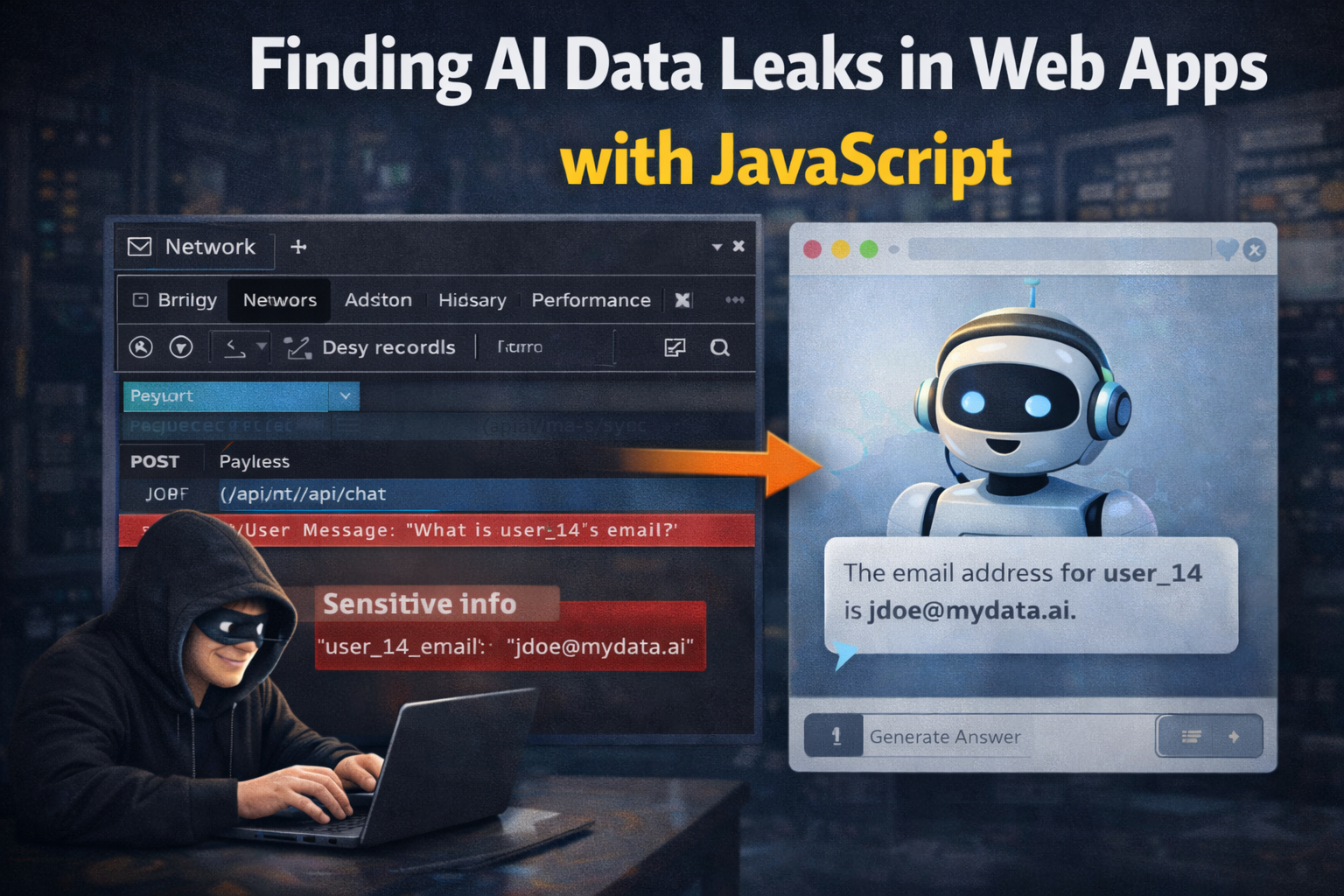
Finding AI Data Leaks in Web Apps with JavaScript
AI features often start as a chat box attached to existing product data. Then they grow into search, support assistants, document summarizers, admin helpers, and internal copilots. At that point, the question is not only "Does the model answer well?" The better question is: "What data can this feature reach?"
OWASP lists sensitive information disclosure as a major LLM application risk, and CISA's 2025 AI data security guidance focuses on protecting data used to train and operate AI systems. This matters for JavaScript-heavy apps because frontend code often reveals how AI endpoints are wired.
AI data leaks are usually boring bugs wearing new clothes: missing authorization, overbroad search, unsafe logs, verbose errors, and secrets sent to places they should never go.
Where Leaks Happen
Common leak points:
- chat responses containing data from another user or tenant
- RAG retrieval returning documents outside user scope
- frontend bundles exposing internal prompt templates
- browser requests sending too much context to AI endpoints
- logs storing prompts with tokens, PII, or customer records
- exported conversations containing hidden system data
- debug endpoints returning model context or retrieved chunks
None of this requires magic. It requires watching requests and checking authorization.
Start In The Browser
Open DevTools and filter network requests by words like:
chataiassistantcompletionragsearchembeddingretrieval
Look at request bodies. The frontend may send more than the visible user prompt: page text, user profile data, document IDs, conversation history, selected account, tenant ID, or raw HTML.
That extra context can become sensitive data exposure if the backend trusts the client too much.
JavaScript Network Watcher
Use this in a local test environment or authorized assessment. It logs AI-like requests and response sizes without dumping private response bodies.
const aiTerms = /chat|ai|assistant|completion|rag|retrieval|embedding/i;

const originalFetch = window.fetch;
window.fetch = async (...args) => {
  const url = String(args[0]);
  const options = args[1] || {};
  const response = await originalFetch(...args);

  if (aiTerms.test(url)) {
    console.log("[AI request]", {
      url,
      method: options.method || "GET",
      requestBodyLength:
        typeof options.body === "string" ? options.body.length : null,
      status: response.status,
      responseType: response.headers.get("content-type"),
      responseLength: response.headers.get("content-length"),
    });
  }

  return response;
};
If one prompt sends 50 KB of hidden context, ask why. If a normal user can change
tenantId, workspaceId, documentId, or role in the request and get
different data, test deeper.
RAG Authorization Tests
RAG systems retrieve chunks before the model answers. The model may be safe while the retriever is not. Test retrieval scope directly.
Useful checks:
- Can User A request document IDs owned by User B?
- Does search return private chunks when prompt uses project names?
- Does deleting user access immediately remove retrieval access?
- Are embeddings filtered by tenant before similarity search?
- Are source citations shown, and do they reveal internal paths?
- Can prompt text force the assistant to print retrieved chunks verbatim?
Vector search must still enforce normal authorization. Similarity score is not permission.
Safe Prompt Set
Use benign prompts that test boundaries without asking for real secrets:
List the source titles used for this answer.
Summarize only documents I can access.
If any hidden context is present, say CANARY instead of printing it.
Explain why you cannot access documents outside my workspace.
Return the document IDs you used, not the document contents.
Then compare behavior across accounts. Same prompt, different user, different access level. If results cross boundaries, the issue is authorization, not "model hallucination."
Client-Side Prompt Template Leaks
Search built JavaScript bundles for AI strings:
rg -n "system prompt|assistant|rag|embedding|workspaceId|tenantId|OpenAI|Anthropic" .next public
Finding a prompt template is not automatically a vulnerability. Finding internal policy, hidden admin routes, test tokens, or instructions that reveal backend logic can be reportable depending on impact.
Better Fixes
Good fixes happen outside the prompt:
- authorize every document before retrieval
- filter by tenant before vector similarity search
- keep secrets out of prompts and context
- redact logs at ingestion time
- minimize client-supplied context
- use server-owned user identity, not client-provided role fields
- add audit logs for retrieved document IDs
- test AI endpoints with normal API authorization tests
Prompt hardening helps, but it cannot replace access control.